Billing WorkCenter Page (Fluid SFF)
Use the Billing WorkCenter page (Fluid SFF) (EOWC_GPLT_S_FL) to view a list of links that represent groupings of invoices or transactions.
Navigation:
Select the Billing WorkCenter tile.
This example illustrates the fields and controls on the Billing WorkCenter Page (Fluid SFF).
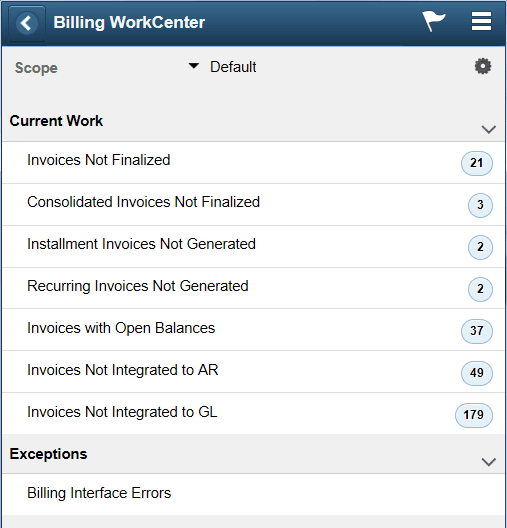
The Current Work and Exceptions group boxes, are determined by your system administrator. For more information about creating these groupings, see the Enterprise Components: Configure Pagelets - WorkCenter/Dashboard Page.
Only active links are displayed. Inactive links are hidden.
The number (or count) to the right of each link displays how many transactions fall into that category. This is a setup option and can be turned on or off for each link using the Enterprise Components: Configure Pagelets - My Work Page.
A definition of each Billing link can be found in the Understanding the PeopleSoft Classic Billing WorkCenter - My Work Pagelet topic, System-Defined My Work Links.