Message Center Page
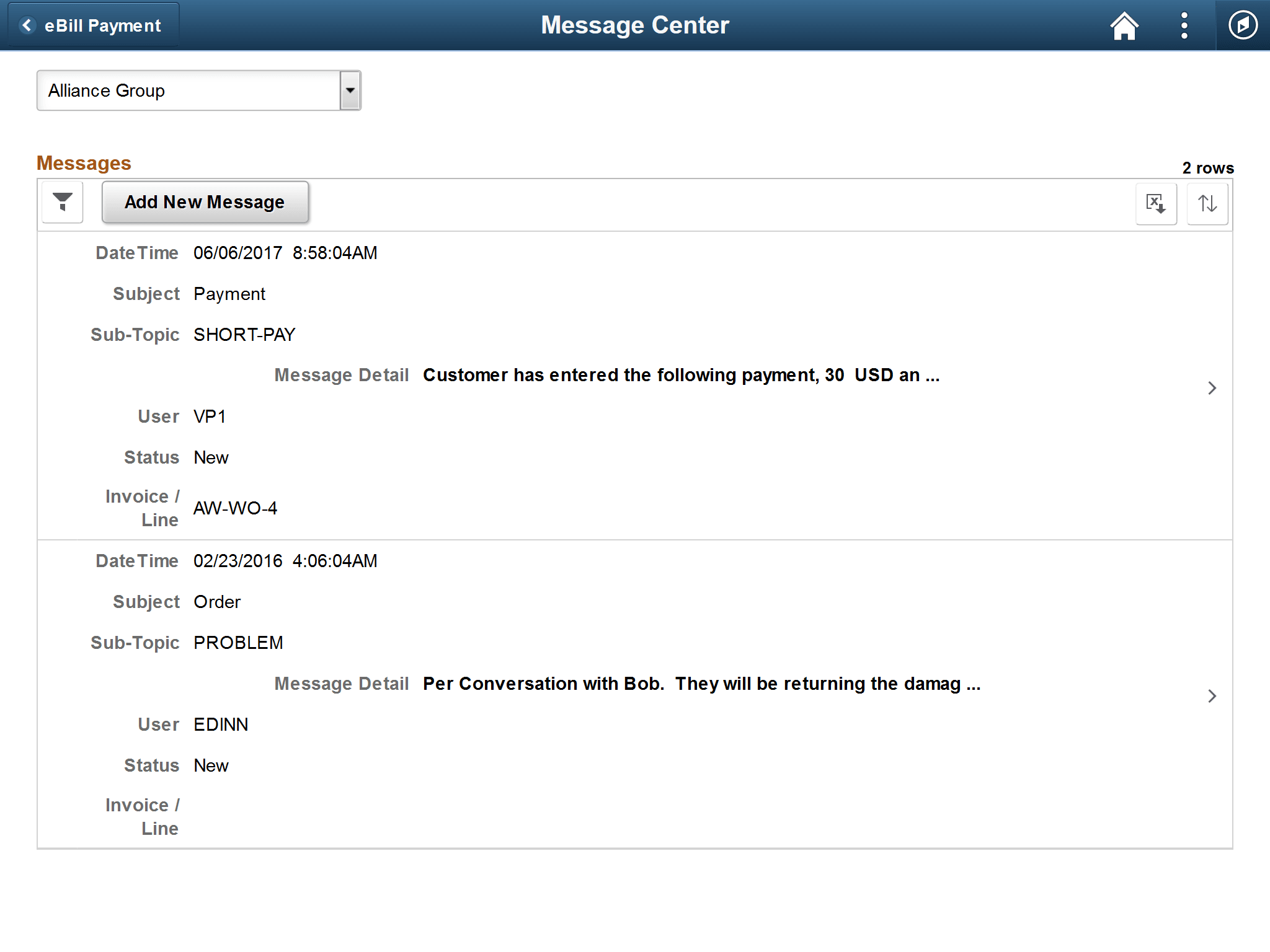
Use the Message Center page to create and review messages initiated in Fluid eBill Payment about your account.
Billers send messages and responses to Fluid eBill Payment users using PeopleSoft Receivables conversation pages.
Navigation:
Select the Contact Us tile on My Homepage in the customer portal, and select the Message Center button.
This example illustrates the fields and controls on the Message Center page.
| Field or Control | Description |
|---|---|
|
|
Select the Sort Messages button to sort messages by the message fields, such as by date, subject or subtopic, user, or message status. If a sorting option has been selected, the button is green. |

The message fields are the same on the large form factor design; only the formatting is different. For more information about the message fields, see the Contact Us Page (LFF).