Using the Message Center
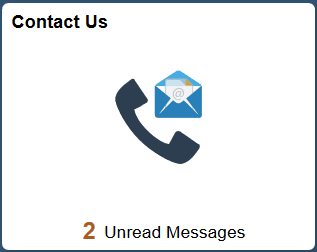
This topic discusses how you can communicate in Fluid eBill Payment using the Message Center. You access the Message Center from your Fluid homepage through the Contact Us tile:
This example illustrates the fields and controls on the Contact Us Tile.
The Message Center gives brokers or users the ability to communicate with the biller within the framework of a mailbox inside Fluid eBill Payment. For example, a broker can send messages to biller service representatives about payments or invoices in a customer’s Fluid eBill Payment account.
You can use the Message Center in the large form factor (LFF) and small form factor (SFF) design to do the following:
-
Send messages to biller service representatives about account or invoice issues.
-
Review messages and responses.
-
Respond to biller messages.
-
Filter messages by date range and other options, including conversation subject and topic.
-
View biller phone contact information, when provided by the biller. Billers use installation pages to set up call options.
Billers send messages and responses to Fluid eBill Payment users through PeopleSoft Receivables conversation pages.