Access Approval Pages
The PeopleSoft Fluid User Interface is designed for users to access PeopleSoft pages using multiple form factors:
-
SFF: Small Form Factor, such as smart phones.
-
MFF: Medium Form Factor, such as tablets.
-
LFF: Large Form Factor, such as large tablets.
-
XLFF: Extra Large Form Factor, such as desktops.
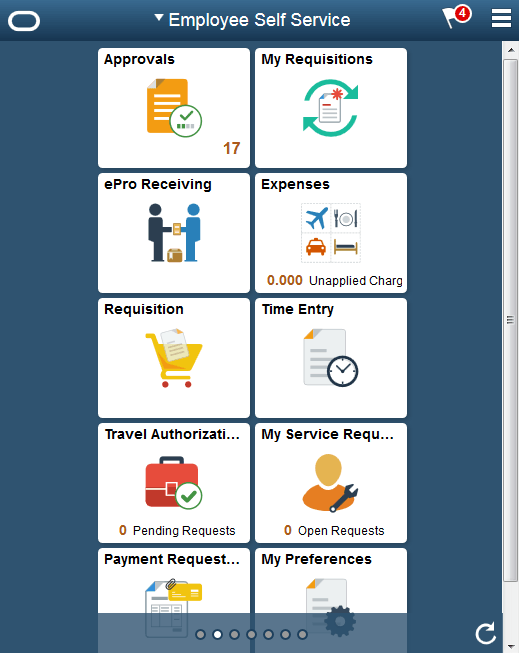
When using a mobile device, you can access the approval page by selecting the Approvals tile from the Employee Self Service page. When you access the approval page by selecting the Approvals tile, the first page you see is the Pending Approvals page. The Pending Approvals page displays differently depending on your form factor. Approval transactions listed for each user depends on the permission level established for the user logged in.
This example illustrates the fields and controls on the Employee Self Service page.