Expenses WorkCenter - My Work (Fluid)
Use the Expenses WorkCenter - My Work (Fluid) grouplet to access pages that have process exceptions.
Navigation:
From an Fluid Expenses Homepage, select the Expenses WorkCenter tile, and expand the My Work grouplet.
This example illustrates the fields and controls on the Expenses WorkCenter - My Work (Fluid) grouplet.
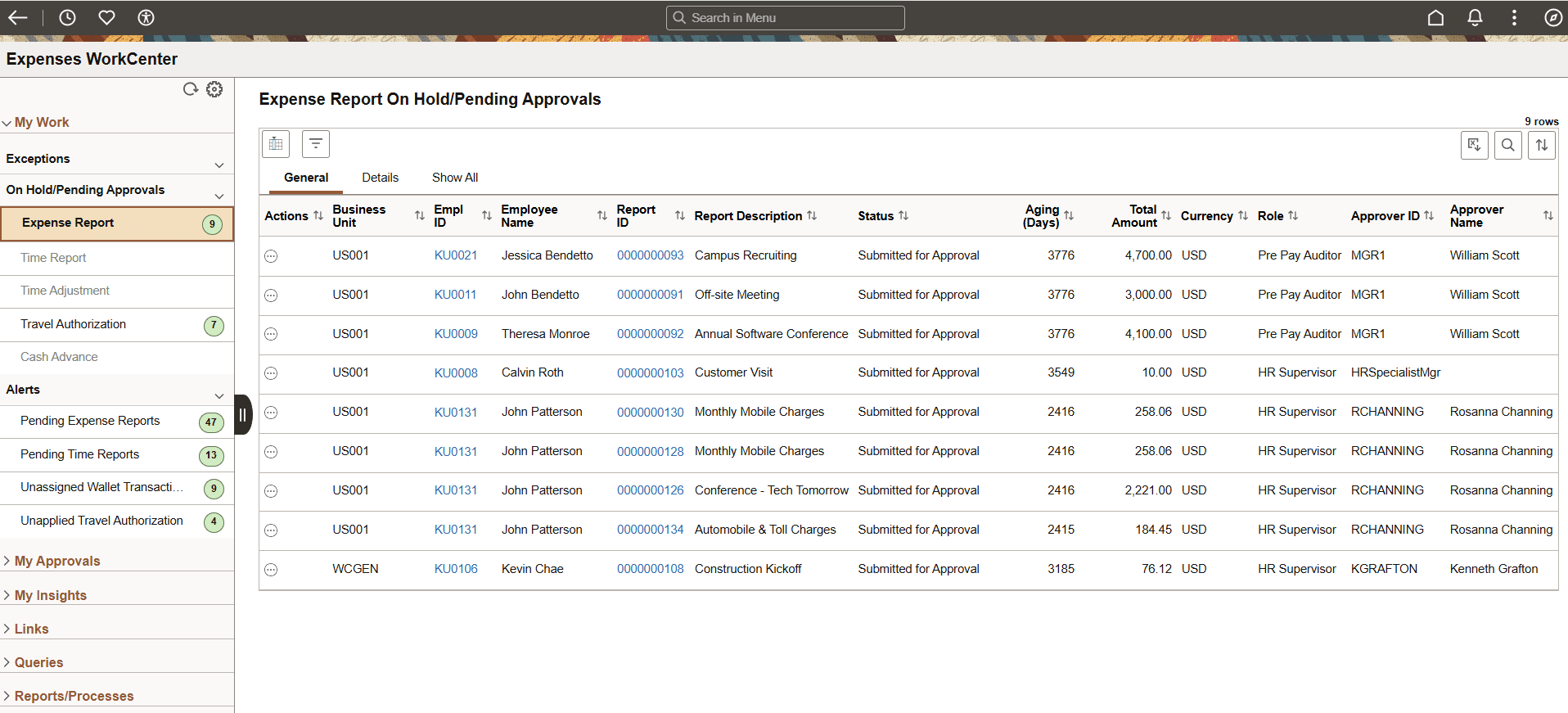
In the Exceptions section, if you have an administrative role (EX_FLUID_ADMIN), all four exceptions are displayed. Employees who do not have an administrative role only see Non-Reimbursable Charges to Prepaid Credit Card.
Note:
When selecting options from the Fluid Expenses WorkCenter, the page that displays is always a Fluid page unless a Fluid page is not available. If a Fluid page is not available, then the system opens the page in Classic. For example, cash advance pages are only in Classic. Therefore, when selecting a cash advance link the system displays the Classic page.