View Favorites
Use the View Favorites window to select a favorite location and populate the Starting Point or Ending Point fields.
This example illustrates the fields and controls on the View Favorites window.
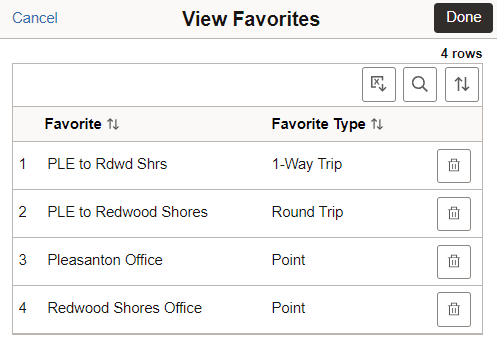
When selecting a Round Trip option from this window, the system automatically selects the Round Trip toggle by default when returning to the Expense Entry page.