Add to Favorite List
Use the Add to Favorite List window to add a Starting or Ending point to your Favorites List.
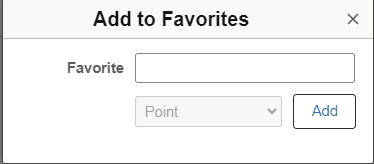
This example illustrates the fields and controls on the Add to Favorites window.
When adding a favorite, you can use the Add to Favorites button next to the Starting Point field, the Ending Point field, or the Round Trip field.
It is recommended that you first enter the location in the Starting or Ending point fields and allow the system to find the best address match. Select the suggested address and then select the Add to Favorites icon.
| Field or Control | Description |
|---|---|
|
Favorite |
Enter a description for the address or location. This is a free-form, open field. These values display as the Favorite Type:
|