New and Existing Customers Personalization Page
Use the New and Existing Customers Personalization page (AR_PE_SALES_PRS) to define default display information for the Sales New/Existing Customers pagelet.
Navigation:
Click the Customize Sales New/Existing Customers icon on the Sales New/Existing Customers pagelet.
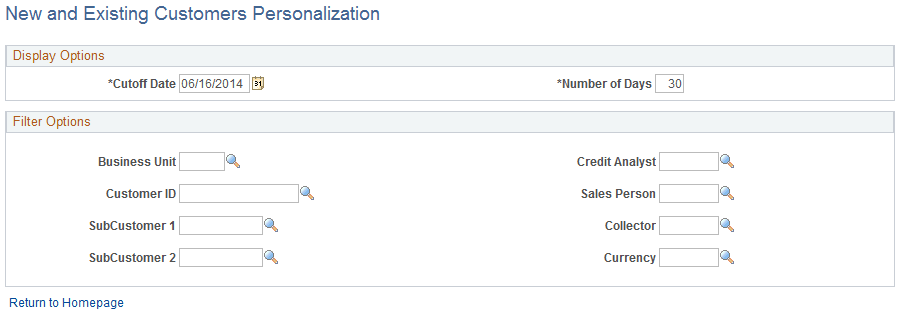
This example illustrates the fields and controls on the New and Existing Customers Personalization page. You can find definitions for the fields and controls later on this page.
| Field or Control | Description |
|---|---|
|
Cutoff Date |
Enter the cutoff date that the system uses to determine whether a customer is new or existing. |
| Field or Control | Description |
|---|---|
|
Number of Days |
Enter the number of days to use in the Time frame axis of the Sales New/Existing Customers pagelet bar graph. |
Note:
When you change any personalization options, you must run the Update Pagelet Statistics process for the pagelet to display the correct data.