Account Type Mapping Page
Use the Account Type Mapping page (FUS_ASGN_ACCTYPE) to map the Account Type values by SetID between PeopleSoft and the external system.
Navigation:
This example illustrates the fields and controls on the Account Type Mapping. You can find definitions for the fields and controls later on this page.
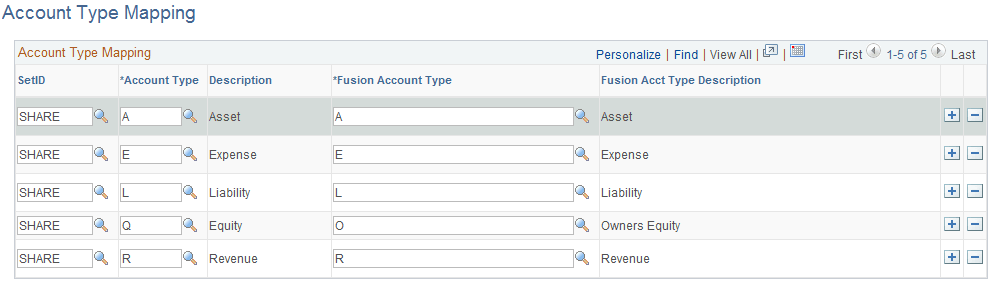
Verify that all existing values are mapped to the external system. Keep the following in mind when modifying this page:
-
This mapping is used when generating Value Set values on the Value Set Mapping page
-
You must map all PeopleSoft Account Types that exist in the Account ChartField table as well as those mapped in the Value Set mapping. Upon saving the page, you will receive an error if there are any values that are missing.
-
You can have a many (PeopleSoft) to one (Fusion) mapping since the PeopleSoft Account Type is qualified by SetID