Configure Filter Values Page
Use the Configure Filter Values page (FSFB_FILTER_VALUES) to add filter values for limiting data within a specific pagelet.
Navigation:
From the Edit Filters page, click the Edit Filter button for the My Work link for which you want to specify criteria to access the Configure Filter Values page (FSFB_FILTER_VALUES); OR,
From the transaction pane of a specific My Work link, click the Refine Filter Criteria link to access the Configure Filter Values page for that link:
This example illustrates the fields and controls on the Configure Filter Values. You can find definitions for the fields and controls later on this page.
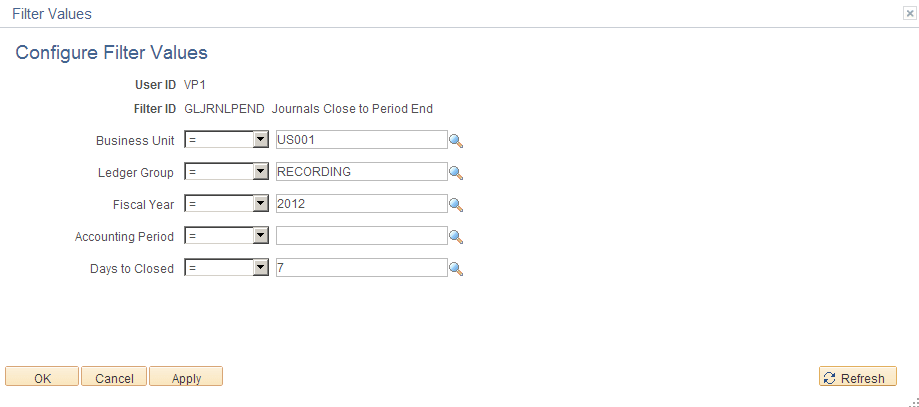
Certain values are required, depending on the link. For example, for journal filter criteria, you are required to select values for Business Unit, Ledger Group, and Fiscal Year. This requirement is delivered as such to prevent performance issues.
Note:
The administrator can change the filter definition to make the Business Unit field optional so that you can display journals from all business units. However, the administrator must make sure that at least two criteria fields are required and that there is an index on the journal header record to support the required fields.
Application Fundamentals: Working With and Personalizing the Classic My Work Pagelet As an End User.