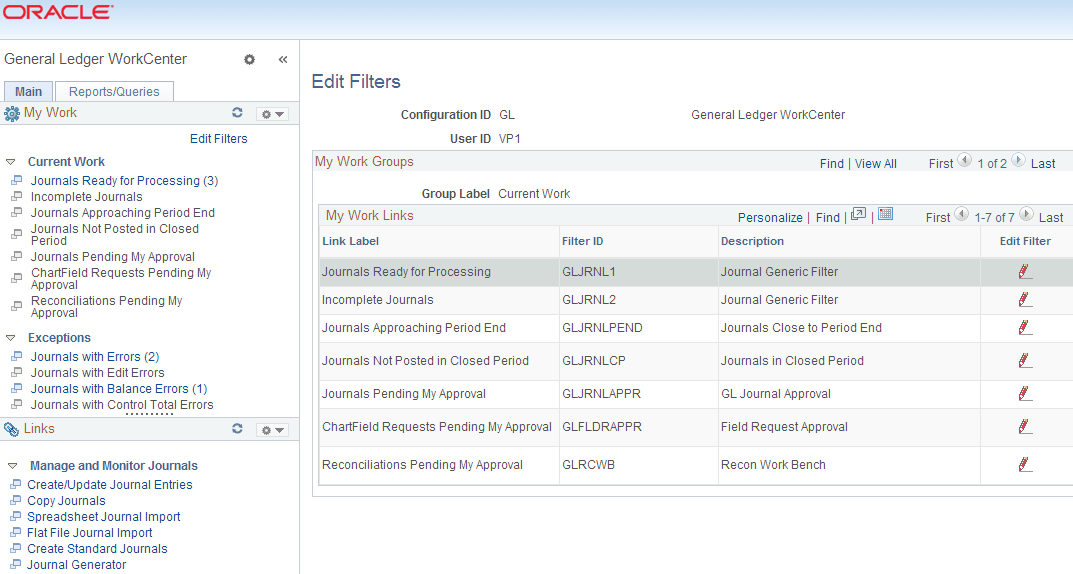
Edit Filters Page
Use the Edit Filters page (FSPC_MYWORK_FILTER) to view and edit the My Work Links and filter data for each link.
Navigation:
. Click the Edit Filters link from the My Work pagelet of the GL WorkCenter.
This example illustrates the fields and controls on the Edit Filters page. You can find definitions for the fields and controls later on this page.
Click the Edit Filter icon (pencil) to access the Configure Filter Values page and specify selection criteria for each My Work Link.