Enable Audit Logging Page
Use the Enable Audit Logging page (FS_AUDITLOG_ENABLE) to enable audit logging for PeopleSoft General Ledger journals.
Navigation:
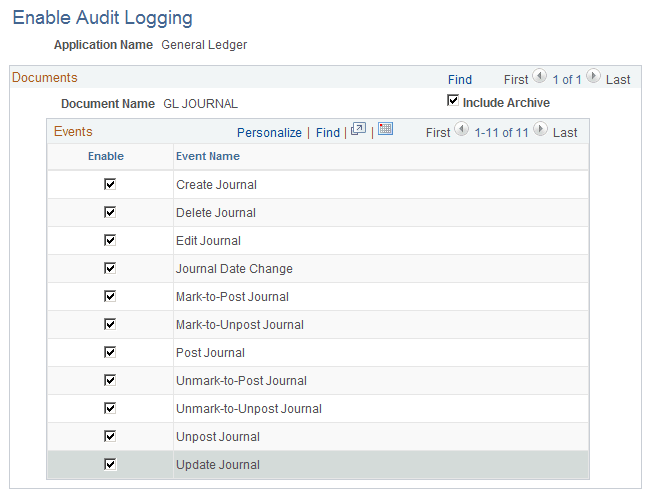
This example illustrates the fields and controls on the Enable Audit Logging page. You can find definitions for the fields and controls later on this page.
| Field or Control | Description |
|---|---|
|
Application Name |
Select the General Ledger application name to enable those General Ledger events that you want to track using audit logging. |
|
Enable |
Select the events for which you want to enable audit logging. |
|
Include Archive |
Select to include data that has been archived. |