Simple Journal - Attachments Page
Use the Simple Journal - Attachments page (SJ_JRNL_ATTACH_FL) to view, modify or attach files to the selected journal.
Navigation:
.
Click the Search button to view the available journals for the selected Business Unit. Select required Journal ID and click Attachments from the left menu.
This example illustrates the fields and controls on the Simple Journal - Attachments page.
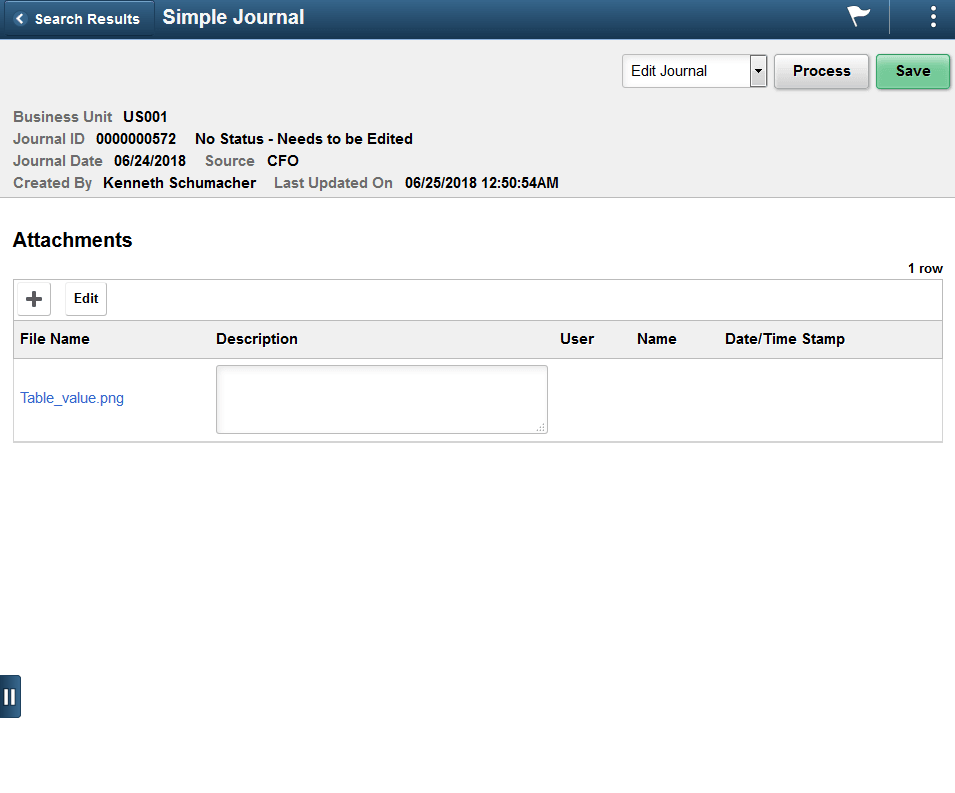
One or more attachments can be added, modified, and/or deleted for journal lines. The system displays and error message if you try to load more than the number of attachments specified on the Application Fundamentals: Installation Options - Multiple Attachments Page for the General Ledger product.