Simple Journal - Totals Page
Use the Simple Journal - Totals page (SJ_JRNL_TOTALS_FL) to review and edit journal totals.
Navigation:
. Click the Search button to view the available journals for the selected Business Unit. Select required Journal ID and click Totals from the left menu.
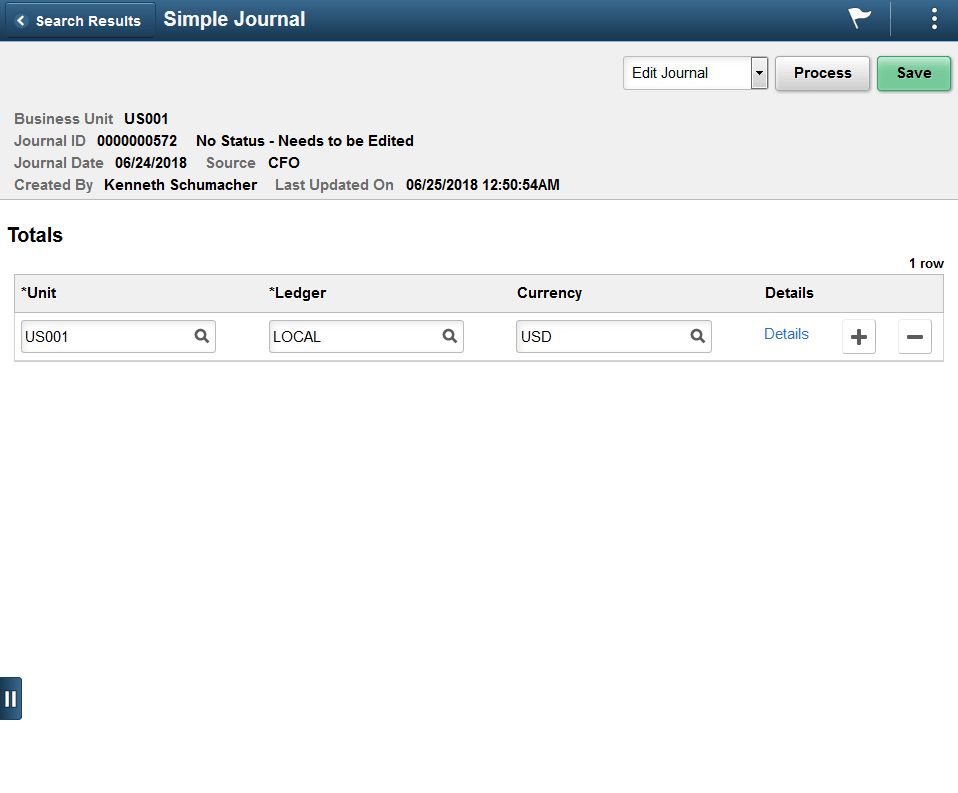
This example illustrates the fields and controls on the Simple Journal - Totals page.
| Field or Control | Description |
|---|---|
|
Details |
Click to open the Control Totals modal window. Control total value for debit and credit can be entered corresponding to the currency selected. |