Setting Up Tile Preferences for Grants Management
Use the My Preferences page (GM_MY_PREF_FL) to set up the preferences that determine the content displayed on the tiles and their pivot grid pages.
Navigation:
This example illustrates the fields and controls on the My Preferences page.
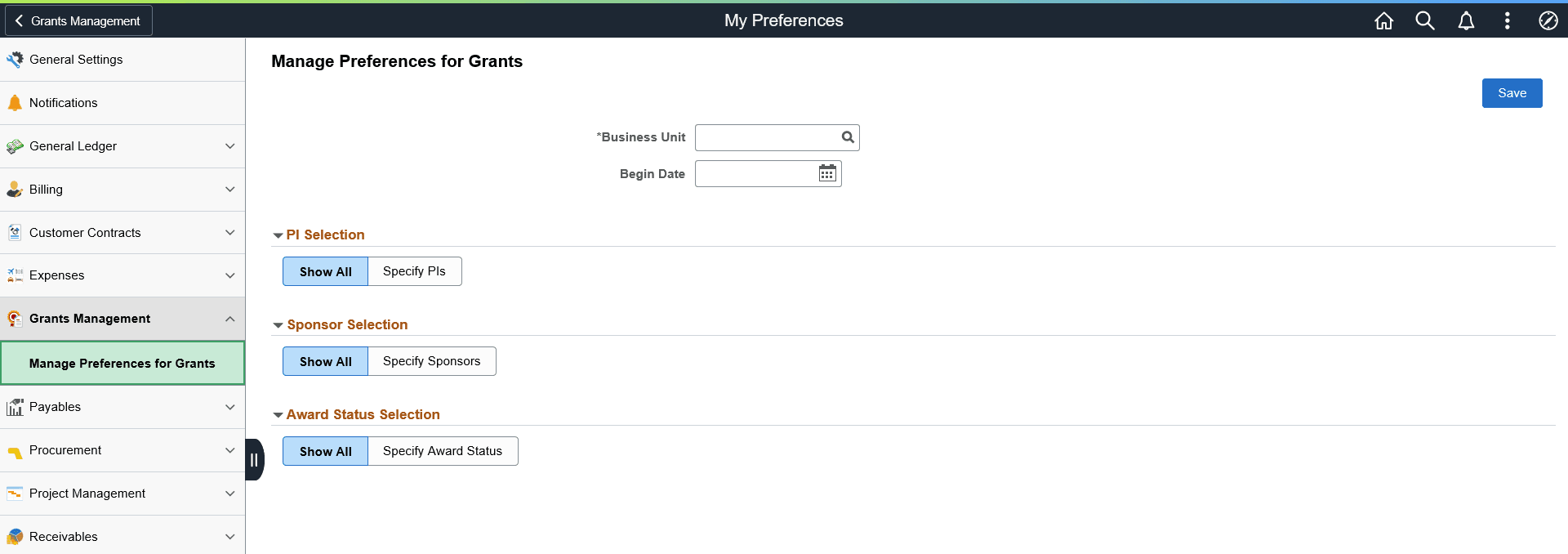
You can use this page to filter grants displayed on the homepage. You can include one or more principal investigators, sponsors or award statuses. The system applies these filters independently to the grants data. For example, you can select specific principal investigators and sponsors to filter such that the homepage displays awards that meet both of the criteria.