Accessing the Supply/Demand Dashboard for the First Time
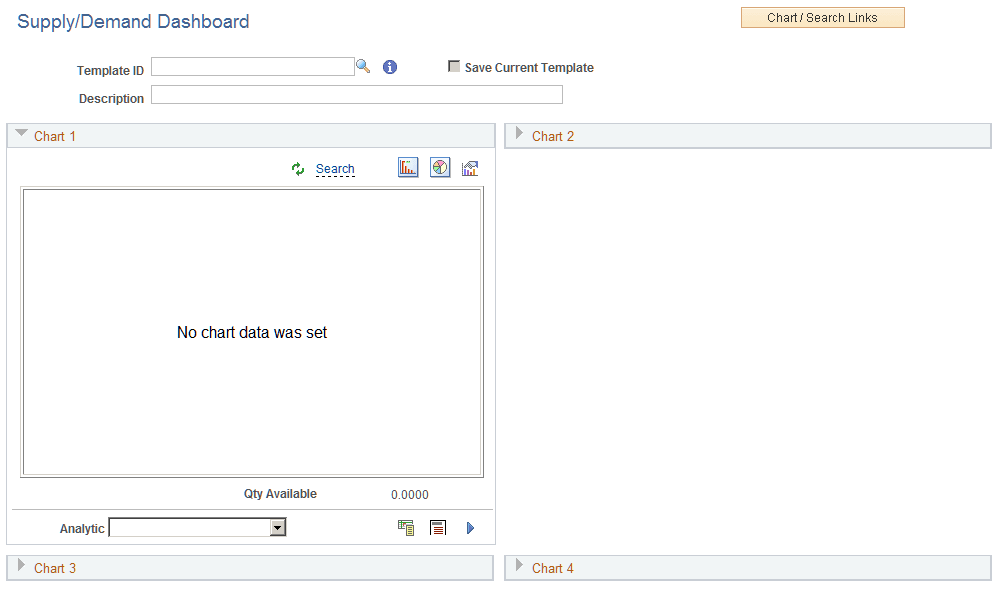
The Supply/Demand Dashboard is delivered empty. Therefore you will have to create Supply/Demand Dashboard templates and determine which templates are to be displayed the next time you access the menu option.
This example illustrates the Supply/Demand Dashboard when you initially access the menu option:
For additional information about how to populate the Supply/Demand Dashboard with charts, See Creating Templates for the Supply/Demand Dashboard.