Display Options Page (Fluid)
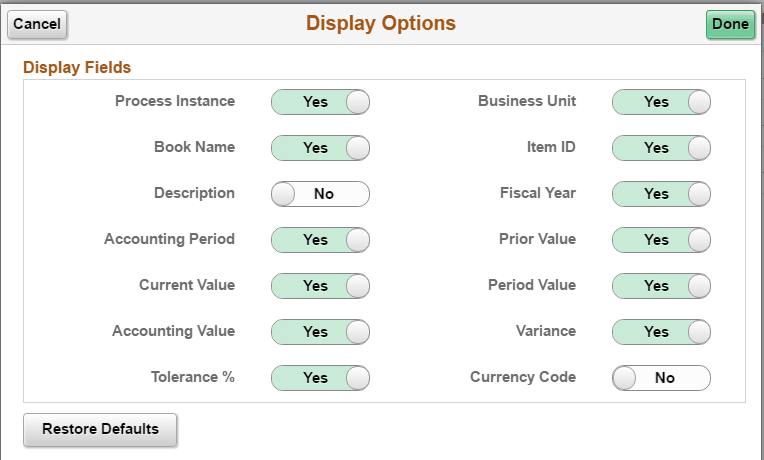
Use the Display Options page (CM_WC_USER_OPT_FL) to select fields to display on a corresponding alerts page.
Navigation:
Select the Display Options icon.
This example illustrates the fields and controls on the Display Options Page. You can find definitions for the fields and controls later on this page.
| Field or Control | Description |
|---|---|
|
Done |
Select to modify Display Fields options and return to the corresponding alerts page. |
|
Restore Defaults |
Select to restore default Display Field options. |