Email Notification Page (Fluid)
Use the Email Notification page (CM_WC_NOTIFY_SCF) to notify one or more users of an action they need to take for one or more transactions.
Navigation:
Select the Actions icon from the Fluid Cost Balancing WorkCenter and select Email Notification.
This example illustrates the fields and controls on the Email Notification Page (Fluid). You can find definitions for the fields and controls later on this page.
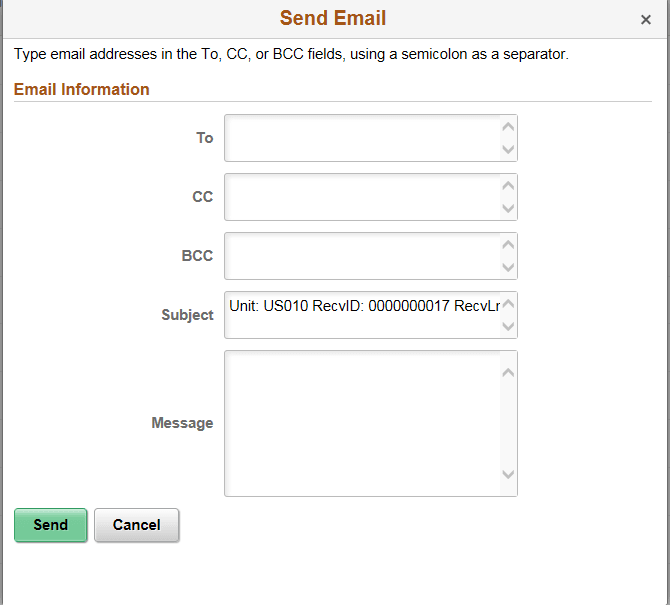
Email Notification is a feature that has been added to PeopleSoft WorkCenters in Classic and Fluid. The Email Notification option is added to the Action option.
| Field or Control | Description |
|---|---|
|
To, CC or BCC |
Add the users to notify. |
|
Subject |
The system adds this information based on the transactions selected from the previous page. You can add to and edit this field. |
|
Message |
Enter information to notify users based on the transactions selected from the previous page |