Item Balance by All Units Page
Use the Item Balance by All Units page (INV_ALLBU_ITEM_INQ) to display the item's balances across your enterprise.
Navigation:
This example illustrates the fields and controls on the Availability Detail page (1 of 2). You can find definitions for the fields and controls later on this page.
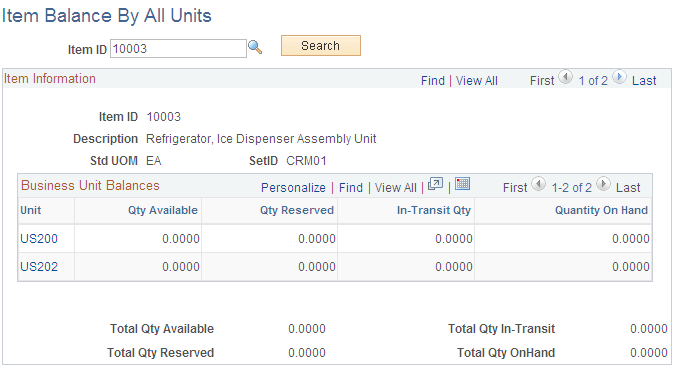
The system displays all the business units in which the item is defined. Click the linked business unit value to access the Item Balance by Unit page, where you view additional quantity balance information for a specific business unit. The quantity information is summed for all business units.
| Field or Control | Description |
|---|---|
|
Item Information |
This group box displays the item quantities from the business units within one SetID. Use the right-side of the top scroll bar to switch from one SetID to another SetID. |