Configuration Options Page
Enable the integration in Release 9.1 between CRM and FSCM by using the delivered template. Access the Configuration Options page to verify the delivered template family (Set Up CRM, Common Definitions, Installed Product, Configuration Options):
This example illustrates the fields and controls on the Configuration Options page.
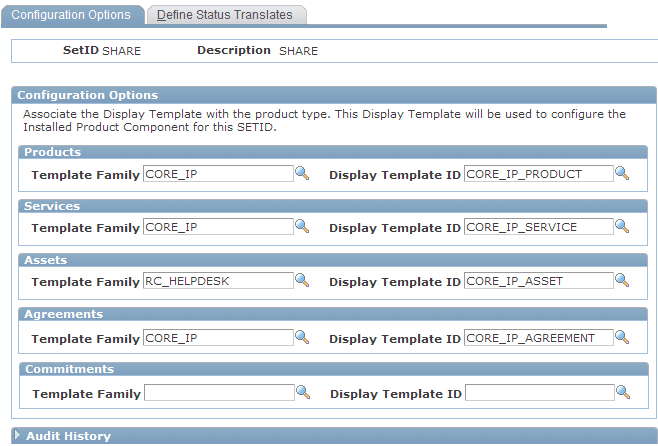
Verify that the Template Family and the Display Template ID for the Assets product type are shown as delivered. Then use the Display Template page (RDT_TMPL_PAGE) to enable Display Template, CORE_IP_ASSET, for asset integration between CRM and FSCM.