Display Template Page
Use the Display Template page to display the template.
Navigation:
This example illustrates the fields and controls on the Display Template page.
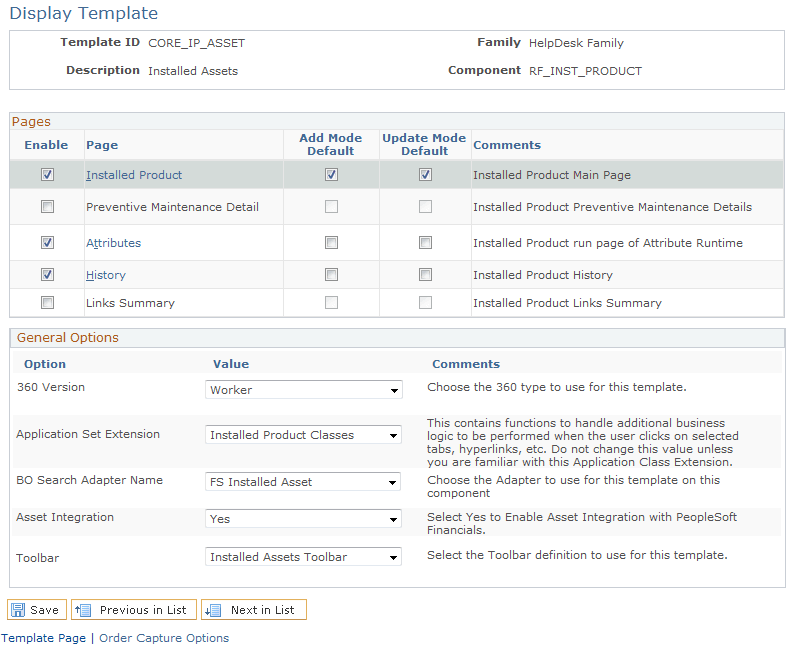
Select Yes to enable Asset Integration between CRM 9.1 and FSCM 9.1. You will be unable to save this page after selecting Yes for Asset Integration if the required fields are not already enabled (Serial ID, Asset Type and Asset Subtype).
To enable these required fields, click the Installed Product link from the Display Template page and then click the Show Section Details link. Scroll to the PRODUCT section and select to enable the Serial ID, Asset Type, Asset Subtype, Validated, and Transfer, if not already enabled: