Installed Products - Display Template Page
Use the Product Mapping for Hardware Assets page (RF_PROD_MAP) to map asset information to Product ID in CRM database
This example illustrates the fields and controls on the Installed Products - Display Template page.
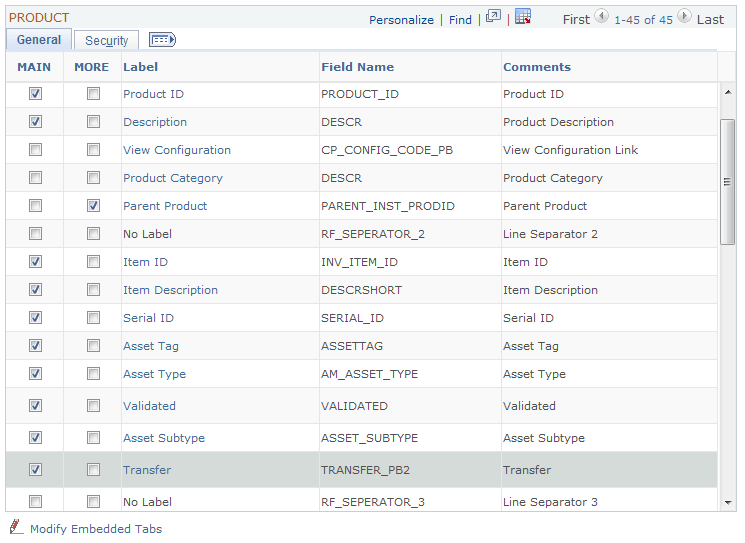
If you select the Main check box to enable any of the required fields, save the page and then return to the Display Template page to enable the Asset Integration. You should be able to save the Display Template after the required fields are enabled.