Rescheduling Tab — Crew Scheduling Workbench Page
Navigation:
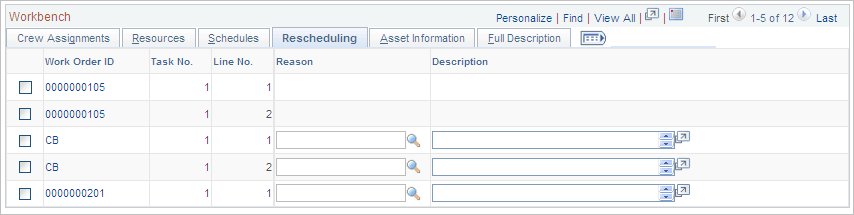
This example illustrates the fields and controls on the Crew Scheduling Workbench page: Rescheduling tab. You can find definitions for the fields and controls later on this page.
| Field or Control | Description |
|---|---|
|
Reason |
Enter a reason for rescheduling a crew assignment in this field. This field is only used if you reschedule a row and need to move the date into the Rescheduling History. Note: You set up reason codes in |
|
Description |
Displays the description associated with the selected reason. |