Report Control Information - Piggyback States/Numbers Page
Use the Report Control Information - Piggyback States/Numbers page (WTHD_CNTL_STATE) to enter the information the IRS requires to have the IRS forward copies of your 1099 report tapes to the state governments who have an interest in your suppliers' 1099 earnings.
Navigation:
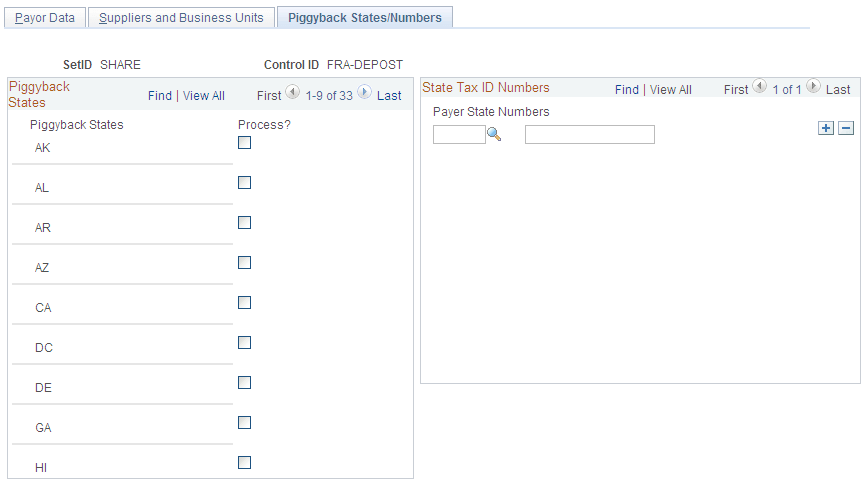
This example illustrates the fields and controls on the Report Control Information - Piggyback States/Numbers. You can find definitions for the fields and controls later on this page.
Note:
This page applies only to 1099 reporting in the U.S.
| Field or Control | Description |
|---|---|
|
Piggyback States |
Displays the states participating in the combined federal and state 1099 filing process. Only states that you have defined on the 1099 Piggyback States page appear here. |
|
Process? |
Select the Process check box for each relevant state name to tell the IRS which states need copies. |
|
Payer State |
Enter the standard two-character alpha state abbreviation for the payer state. |
|
Numbers |
Enter the state number. This is the ID number that is assigned by individual states. This number is used on the forms (Copy B) that you send to your suppliers, but is not included on the tape you send to the IRS. |