Edit Filters Page
Use the Edit Filters page (FSPC_MYWORK_FILTER) to modify filters on some worklist links registered in the My Work pagelet.
Navigation:
Click the Edit Filters link on the My Work pagelet.
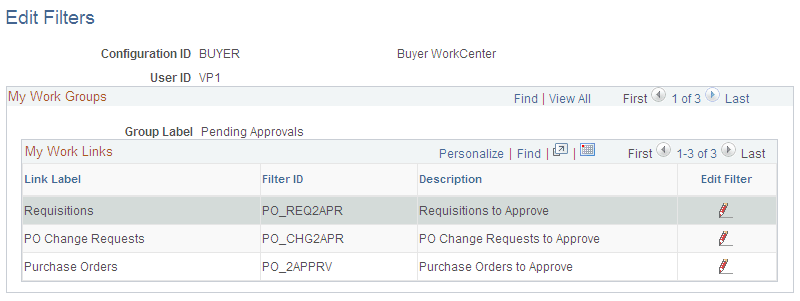
This example illustrates the fields and controls on the Edit Filters page. You can find definitions for the fields and controls later on this page.
| Field or Control | Description |
|---|---|
|
|
Click the Edit Filter icon to open the Configure Filter Values page, where you can modify the filter for the selected Filter ID. |

On the Edit Filters page, click the Edit Filter icon of the filter you want to modify.
Note:
Although the Configure Filter Values provided by PeopleTools uses the search parameter “in,” where you can provide a list of values like multiple Buyer IDs, the application components within SRM support only one value, so “=” must be used.