Excel Upload Deposit Errors Page
Use the Excel Upload Deposit Errors page (AR_WC_EXCEL_ERR) to correct Excel upload deposit errors.
Navigation:
Click the Exceptions: Excel Upload Deposit Errors link.
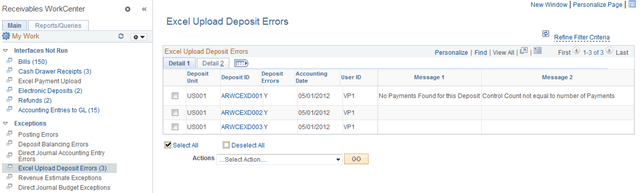
This example illustrates the fields and controls on the Excel Upload Deposit Errors Page - Detail 1 Tab.
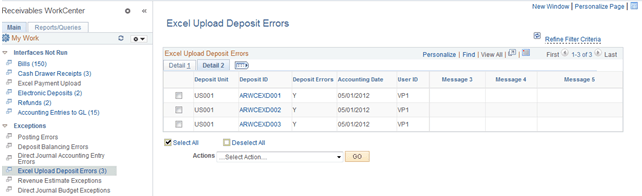
This example illustrates the fields and controls on the Excel Upload Deposit Errors Page - Detail 2 Tab.
| Field or Control | Description |
|---|---|
|
Actions |
Select an action from the list and click the GO button: Delete Deposits Use this grid to review and select deposit records created by the Excel Payment Upload process. You can also correct Excel deposit upload errors on the Excel Upload Deposit Errors page (Accounts Receivable, Payments, Electronic Payments, Excel Error Correction, Excel Upload Deposit Errors). See Receiving and Editing Spreadsheet Payments. The run control ID is generated using auto-numbering with this prefix: ARWC_RBT. |