Incomplete Payments Page
Use the Incomplete Payments page (AR_WC_PYMNT_SEL) to review a list of incomplete payments.
Navigation:
Click the Payments: Incomplete Payments link.
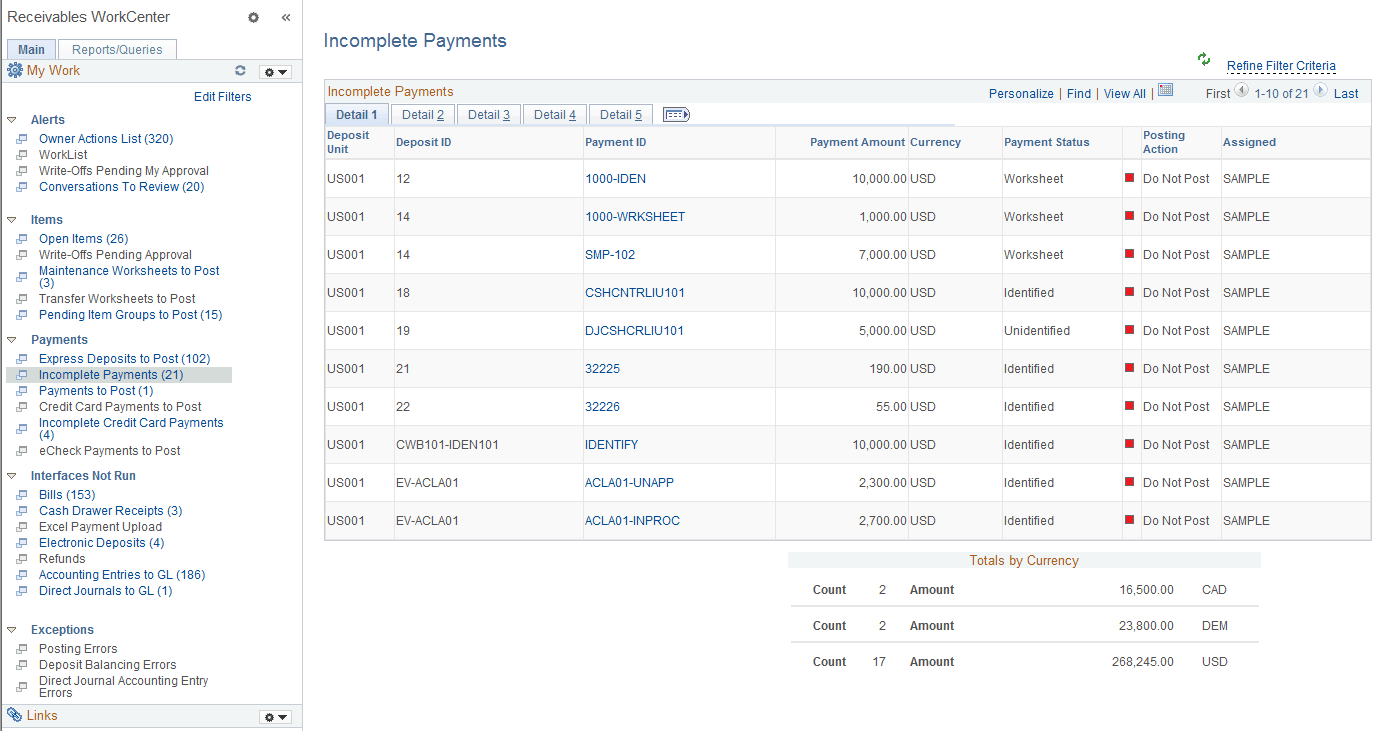
This example illustrates the fields and controls on the Incomplete Payments Page - Detail 1 Tab.
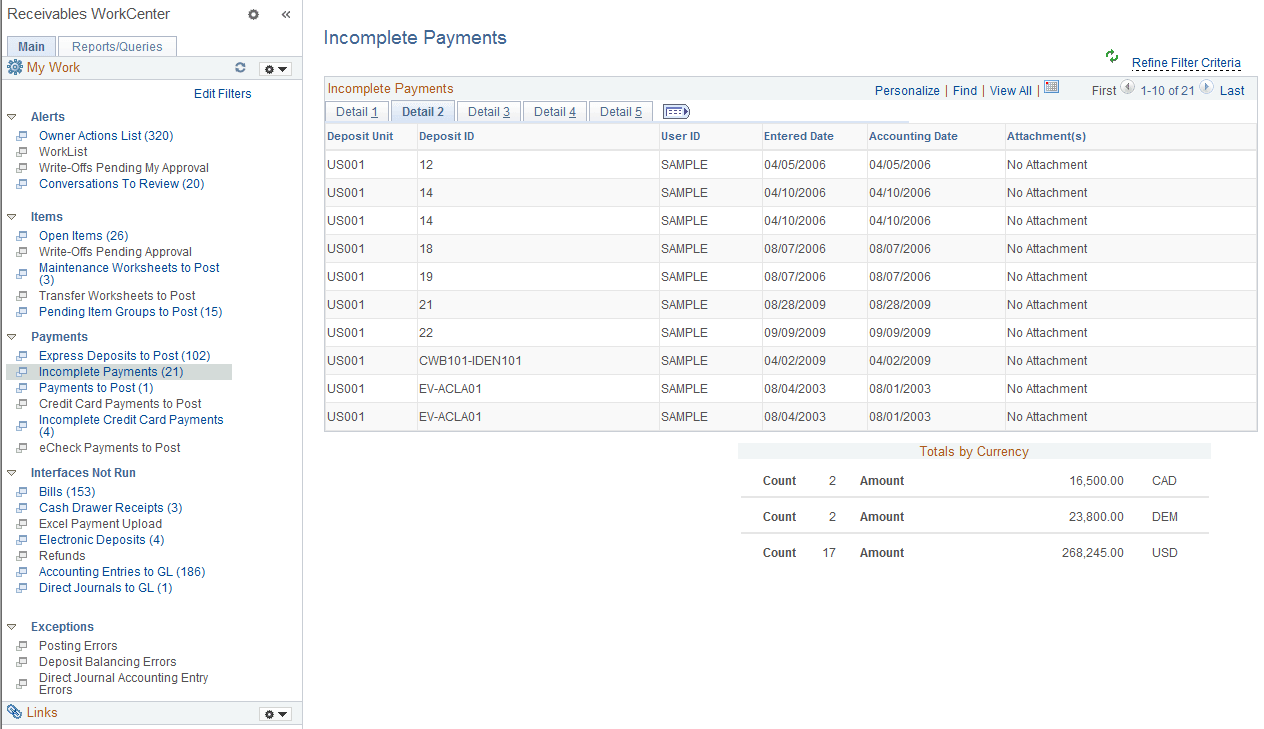
This example illustrates the fields and controls on the Incomplete Payments Page - Detail 2 Tab.
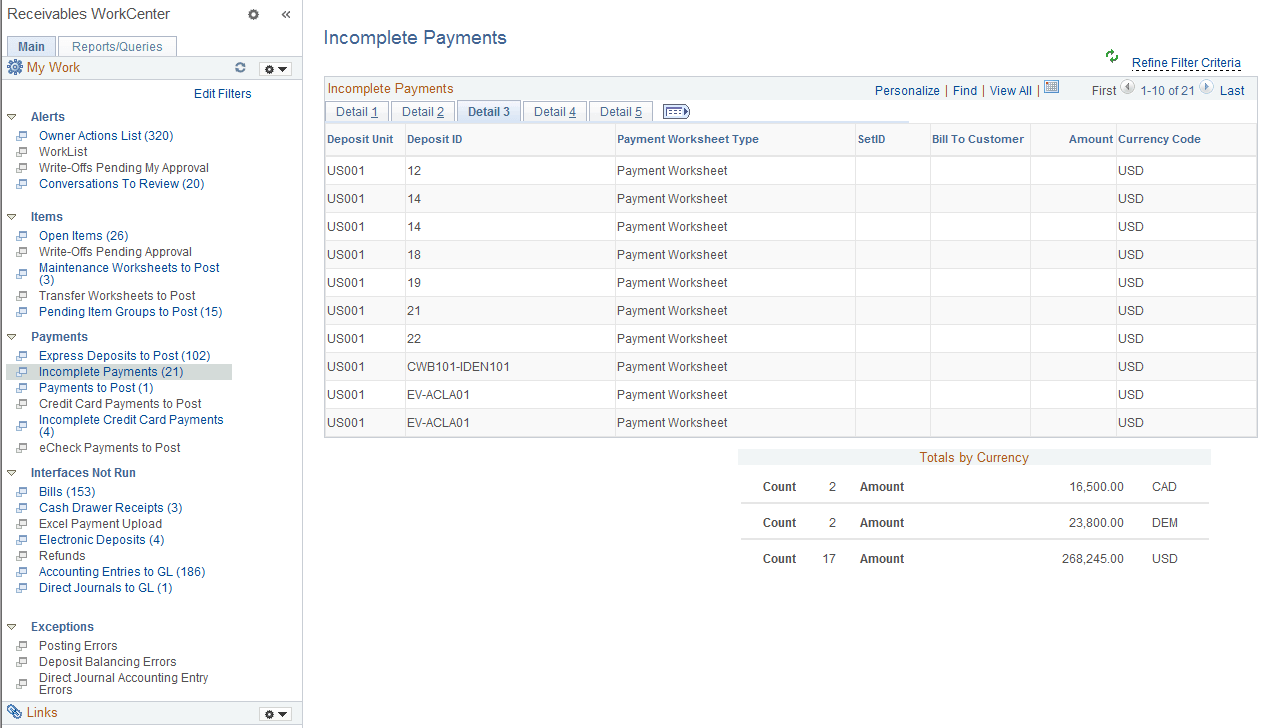
This example illustrates the fields and controls on the Incomplete Payments Page - Detail 3 Tab.
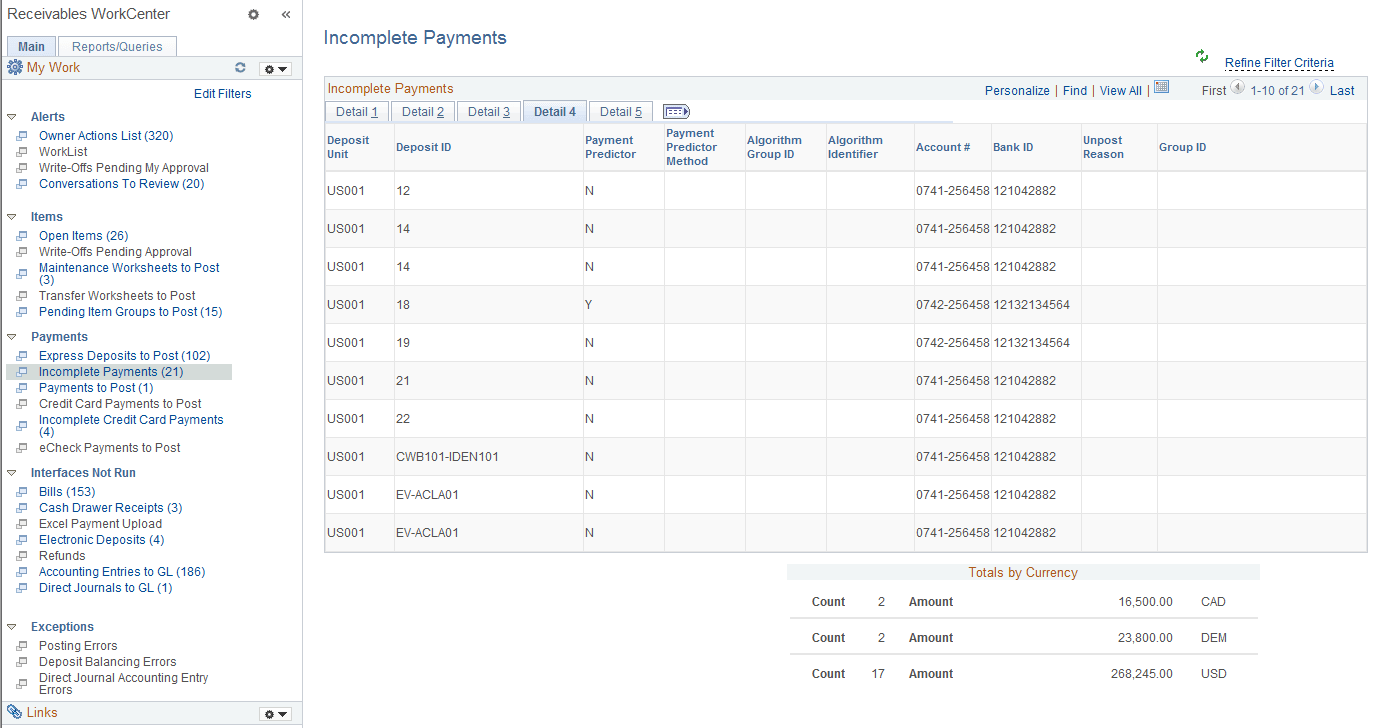
This example illustrates the fields and controls on the Incomplete Payments Page - Detail 4 Tab.
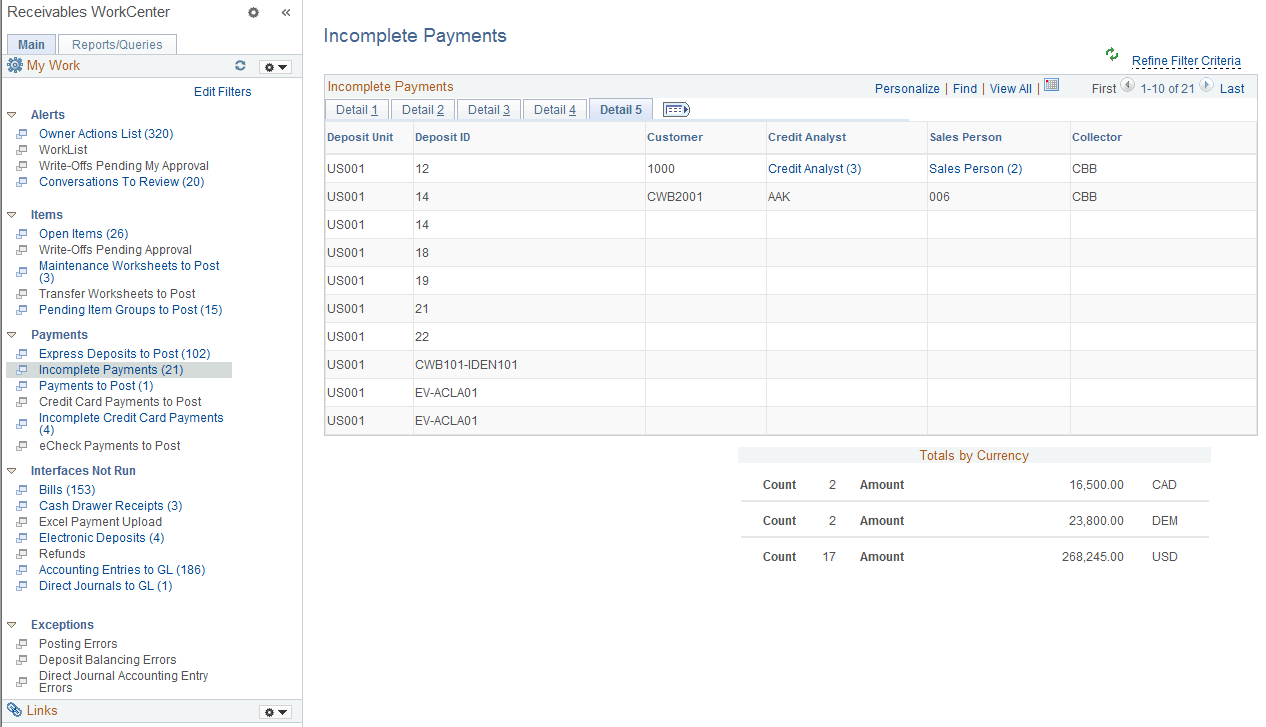
This example illustrates the fields and controls on the Incomplete Payments Page - Detail 5 Tab.
The Incomplete Payments grid shows items with these statuses:
-
Unidentified Status
-
Identified Status
-
Worksheet Status
| Field or Control | Description |
|---|---|
|
Payment ID |
Click the link associated with a payment ID to access the All Payments page (Accounts Receivable, Payments, Review Payments, All Payments, All Payments or Accounts Receivable, Payments, Review Payments, Payment Status, All Payments), where you can review payment status details. |