Setting Up Short Pay Reasons
Page Used to Set Up Short Pay Reasons
| Page Name | Definition Name | Usage |
|---|---|---|
|
SH_PAY_RSN_TBL |
Set up valid reason options that a customer can select when they elect to short pay in PeopleSoft eBill Payment. The options that you define here are available to customers on the Payment Cart page. |
Short Pay Reason Page
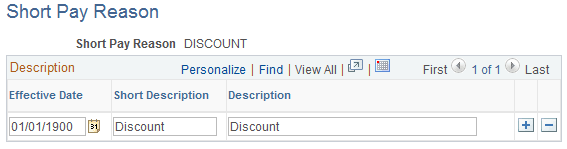
Use the Short Pay Reason page (SH_PAY_RSN_TBL) to set up valid reason options that a customer can select when they elect to short pay in PeopleSoft eBill Payment. The options that you define here are available to customers on the Payment Cart page.
Navigation:
This example illustrates the fields and controls on the Short Pay Reason page.