Comments page
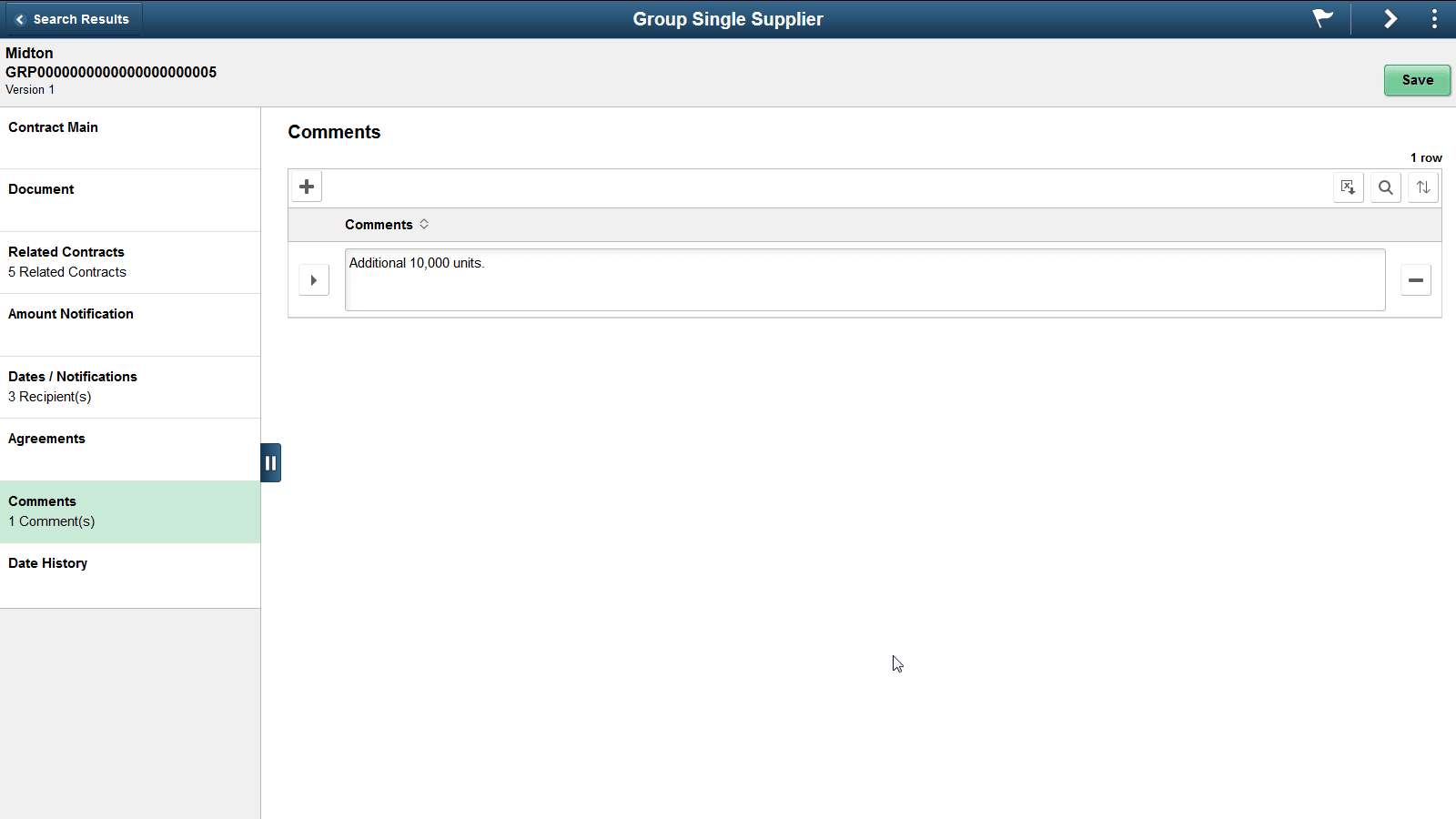
Use the Comments page to add comments to a contract. This page is the same for Group contracts and Special Purpose contracts and is available for entry regardless of the contract status.
This example illustrates the fields and controls on the Comments page. You can find definitions for the fields and controls later on this page.
| Field or Control | Description |
|---|---|
|
|
Click this button to expand or collapse the comments section. |
|
|
Click this button to add more comments. |


You can find the total number of comments displayed in the left panel, after the comments are added.