Dispute Resolution Cycle Time Tile and Pivot Page
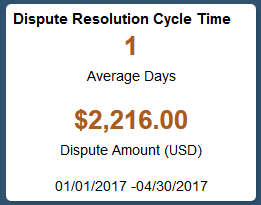
Use the Dispute Resolution Cycle Time tile to view the average number of days from customer-initiated dispute to resolution and the total dispute amount for disputed items resolved during the date range specified in the tile preferences, Resolution Date field.
Navigation:
This example illustrates the Dispute Resolution Cycle Time tile.
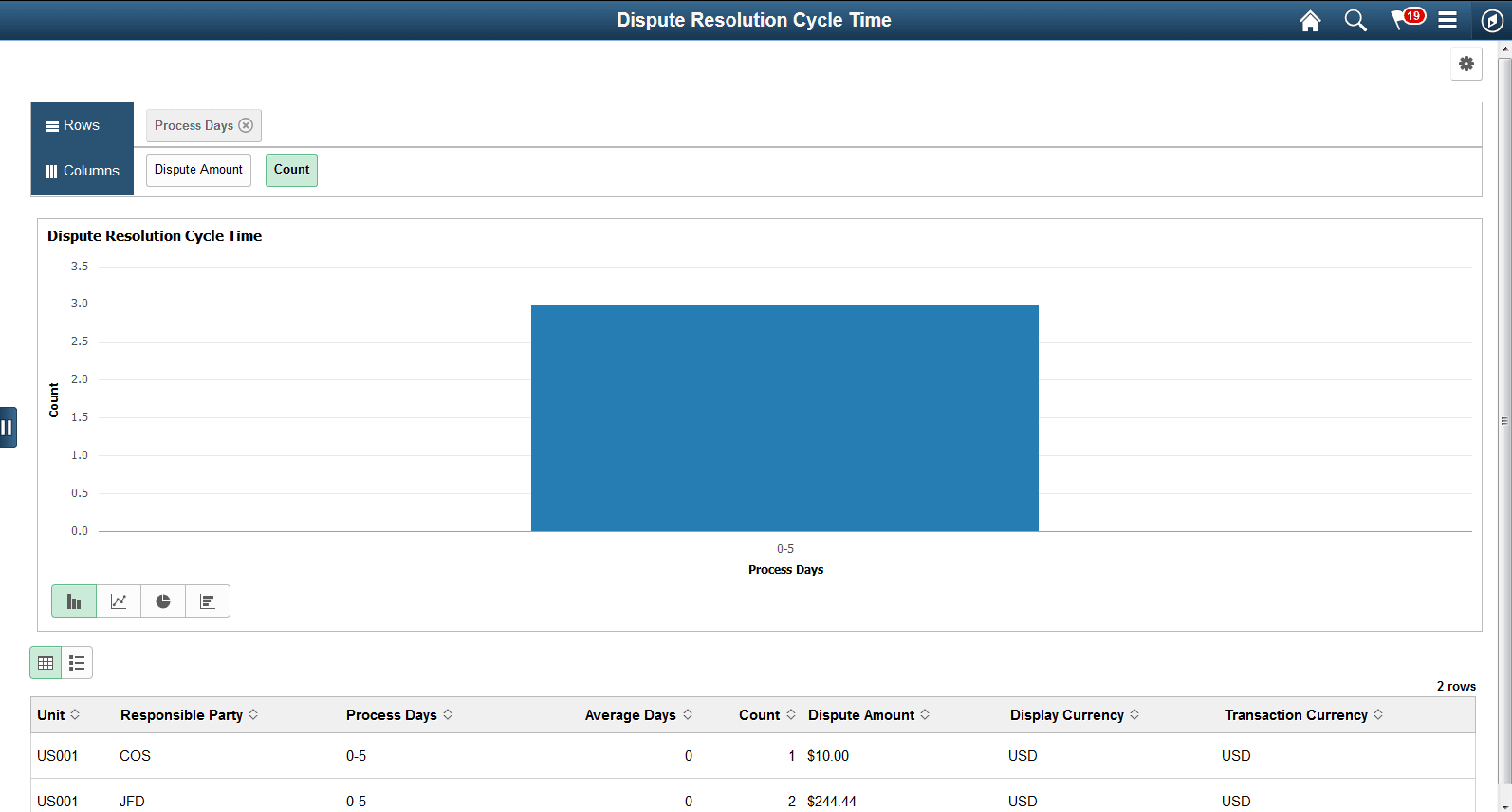
Select the Dispute Resolution Cycle Time tile to view the pivot grid. On the X-axis, the tile shows the Process Days and on the Y-Axis, it shows either the Dispute Amount or Item Count.
This example illustrates the fields and controls on the Dispute Resolution Cycle Time Pivot Grid.
Select the following facets to filter data displayed in the pivot grid:
-
Process Days
-
Business Unit
-
Responsible Party
Add, delete, or move the following pivot grid columns as desired:
-
Business Unit
-
Responsible Party
-
Process Days
-
Average Days
-
Item Count
-
Display Amount
-
Display Currency
-
Transaction Currency