Viewing the Navigation Collection for Comprehensive Supplier Portal
This section discusses how to use the PeopleSoft Fluid User Interface to view Comprehensive Supplier Portal Navigation Collection.
Pages Used to View the Comprehensive Supplier Portal Navigation Collection
| Page Name | Definition Name | Usage |
|---|---|---|
|
NA |
Access a collection of frequently used Services Procurement-related components. |
|
|
SPF_SOUR_REVIEW_SP |
View and access frequently used Services Procurement-related components. |
|
|
NA |
Access a collection of frequently used Contracts and Agreements-related components. |
|
|
CS_DOC_SRCH_EXT |
View and access frequently used Supplier Contracts and Agreements-related components. |
|
|
NA |
Access a collection of frequently used components related to manage User and Company Profile information. |
|
|
USER_SELF_SERVICE |
USER_SELF_SERVICE |
|
|
NA |
Access a collection of frequently used Contracts-related information. |
|
|
CS_COLLAB_WL |
View and access frequently used components related to Contracts Pending Review. |
Manage Services Tile
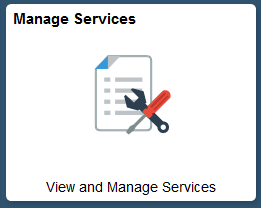
Use the Manage Services tile to access a collection of frequently used Services Procurement-related components.
Navigation:
You can include the delivered tile as part of the Homepage or any suitable location within Secure Homepage.
This example illustrates the fields and controls on the Manage Services tile.
Services Procurement Page
Use the Services Procurement page to view and access frequently used Services Procurement-related components.
This example illustrates the fields and controls on the Services Procurement page.
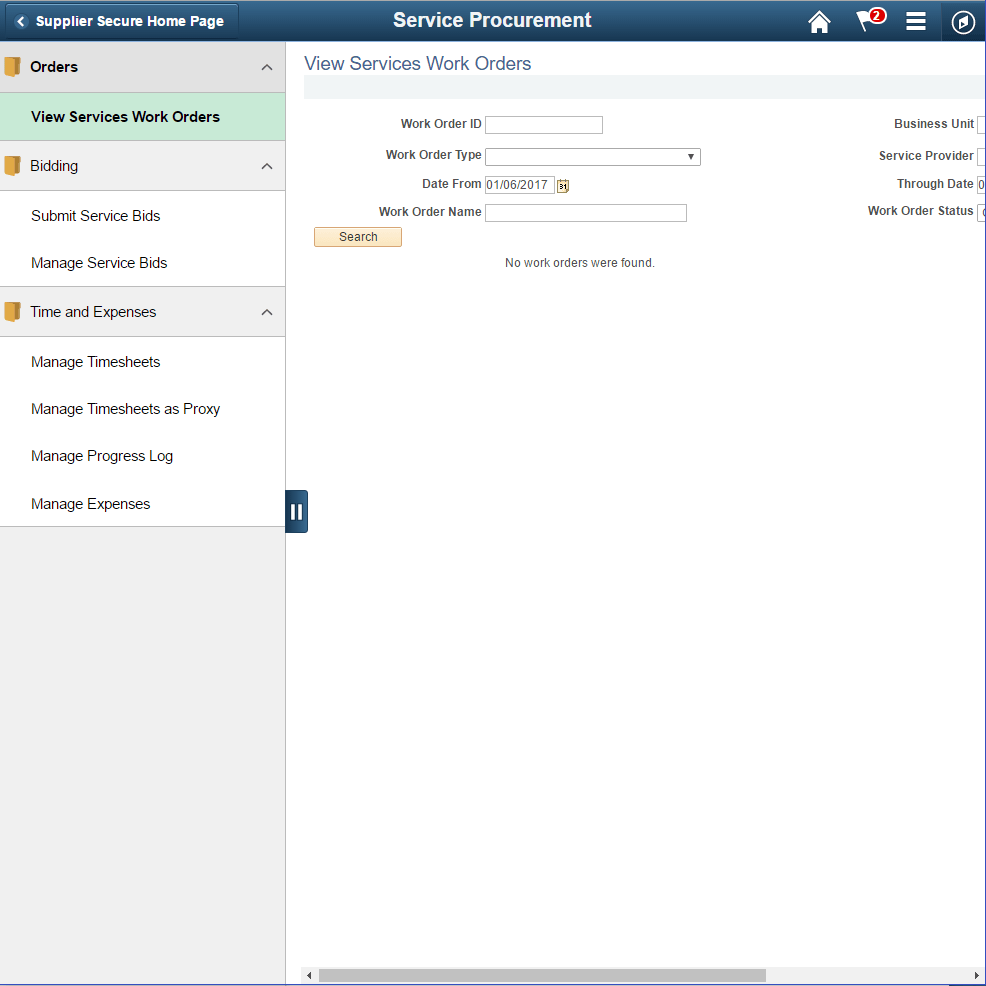
This Navigation Collection allows users to access frequently used Services Procurement components from one location. The left panel of this page lists the components collected under two main categories:
-
Orders: View Services Work Orders
-
Bidding:
-
Submit Service Bids
-
Manage Service Bids
-
-
Time and Expenses:
-
Manage Timesheets
-
Manage Progress Log
-
Manage Expenses
-
The right panel displays the component selected in the left panel. Administrators can edit these categories by navigating to the Structure and Content page.
Contracts and Agreements Tile
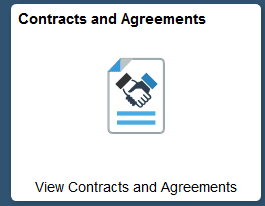
Use the Contracts and Agreements tile to access a collection of frequently used Contracts and Agreements-related components.
Navigation:
You can include the delivered tile as part of the Homepage or any suitable location.
This example illustrates the fields and controls on the Contracts and Agreements tile.
Contracts and Agreements Page
Use the Contracts and Agreements page to view and access frequently used Supplier Contracts and Agreements-related components.
This example illustrates the fields and controls on the Contracts and Agreements page.
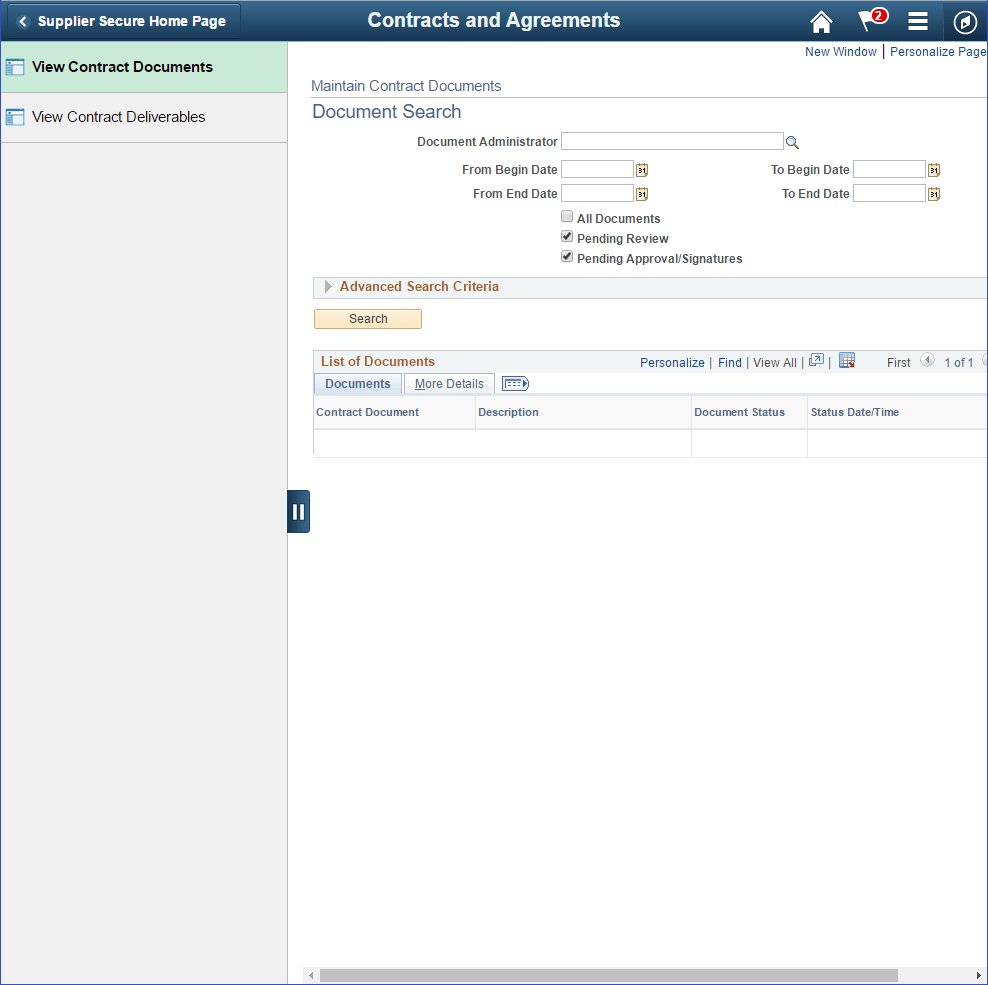
This Navigation Collection allows users to access frequently used Supplier Contracts and Agreements components from one location. The left panel of this page lists the components collected under two categories:
-
View Contract Documents
-
View Contract Deliverables
The right panel displays the component selected in the left panel.
Manage Profile Tile
Use the Manage Profile tile to access a collection of frequently used components related to manage User and Company Profile information.
Navigation:
You can include the delivered tile as part of the Homepage or any suitable location
This example illustrates the fields and controls on the Manage Profile tile.
Manage Profile Page
Use the Manage Profile page to view and access frequently used components related to managing Profiles.
This example illustrates the fields and controls on the Manage Profile page.
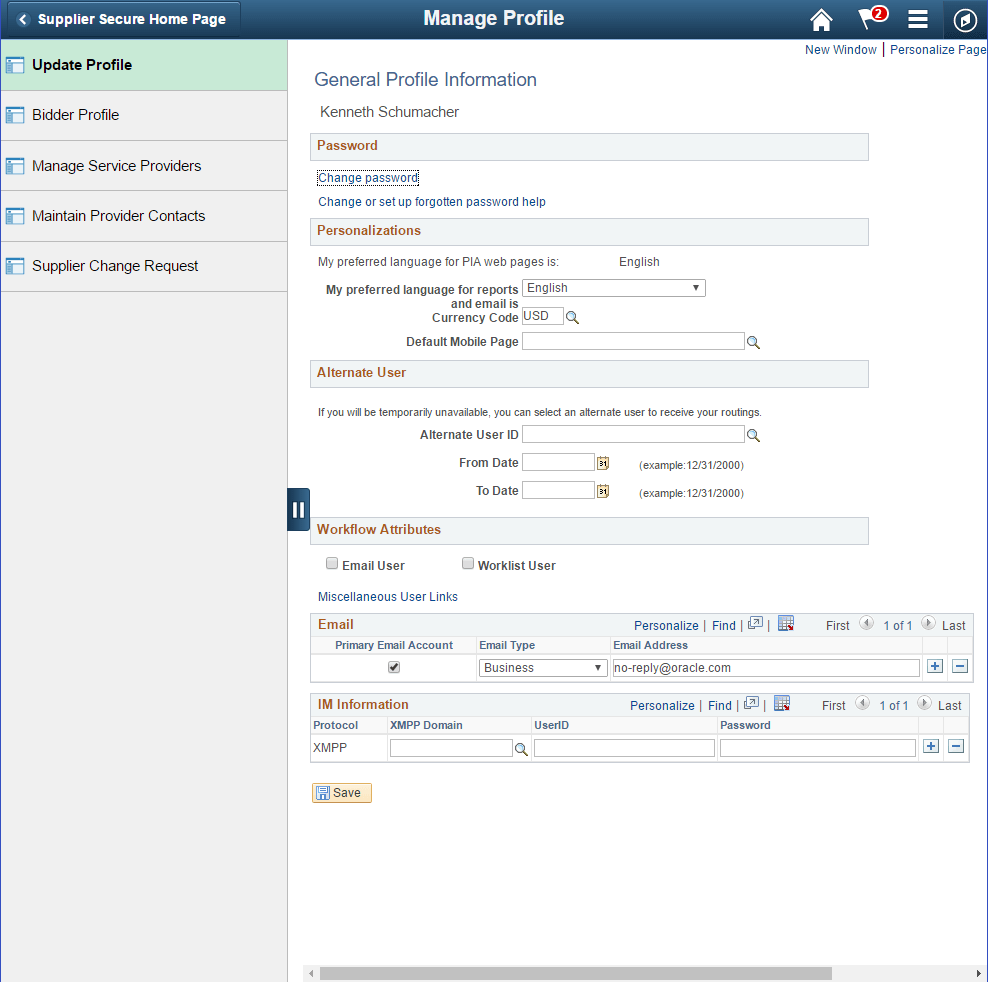
This Navigation Collection allows users to access frequently used components related to managing User and Company Profiles, from one location. The left panel of this page lists the components collected under five categories:
-
Update Profile
-
Bidder Profile
-
Manage Service Providers
-
Maintain Provider Contacts
-
Supplier Change Request
The right panel displays the component selected in the left panel.
Contracts Pending Review Tile
Use the Contracts Pending Review tile to access a collection of frequently used Contracts pending review.
Navigation:
You can include the delivered tile as part of the Homepage or any suitable location
This example illustrates the fields and controls on the Contracts Pending Review tile .
Contracts Pending Review Page
Use the Contracts Pending Review page to view and access frequently used Contracts pending review.
This example illustrates the fields and controls on the Contracts Pending Review page.
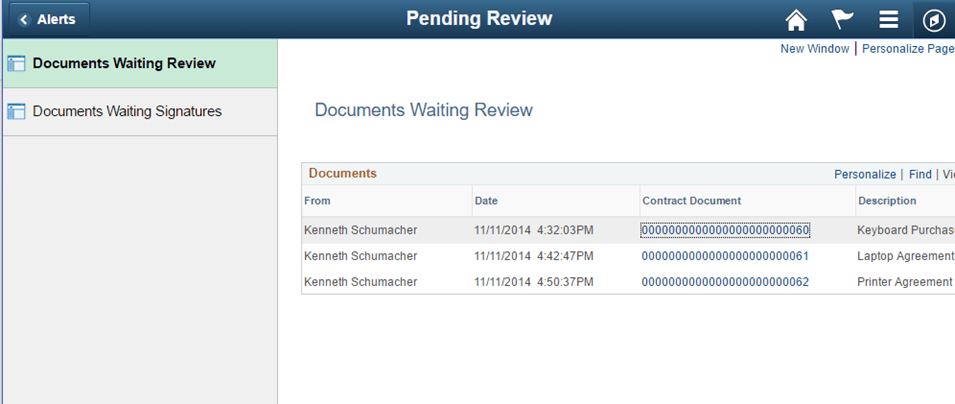
This Navigation Collection allows users to access frequently used Contracts Pending Review components from one location. The left panel of this page lists the components collected under two categories:
-
Documents Waiting Review
-
Documents Waiting Signatures
The right panel displays the component selected in the left panel.