Working with Split Analysis Notifications
Events for which split analysis has not been selected will use the same collaboration group setup as events designated for split analysis. The Review By Notifications group box appears in both Event Create and Analysis Collaboration components.
When an event set up for split analysis is routed for event collaboration, the system sends a notification including the assigned analysis section to collaborators. The notification shows, for example, "You have been invited to participate in the Technical Review portion of Event [name of event]...."
On the Event Workbench, a notification icon enables collaborators to receive notification when an event that is currently checked out for collaboration is checked back in. This helps keep parallel collaboration process flowing, and reduces the need for collaborators to check the Event Workbench to see if an event has been checked back in. During the process for sequential collaboration, a reviewer gets notified upon check-in of the previous collaborator.
This example shows the Event Workbench page with an event set up for split analysis.
This example illustrates the fields and controls on the Event Workbench page with an event set up for split analysis.
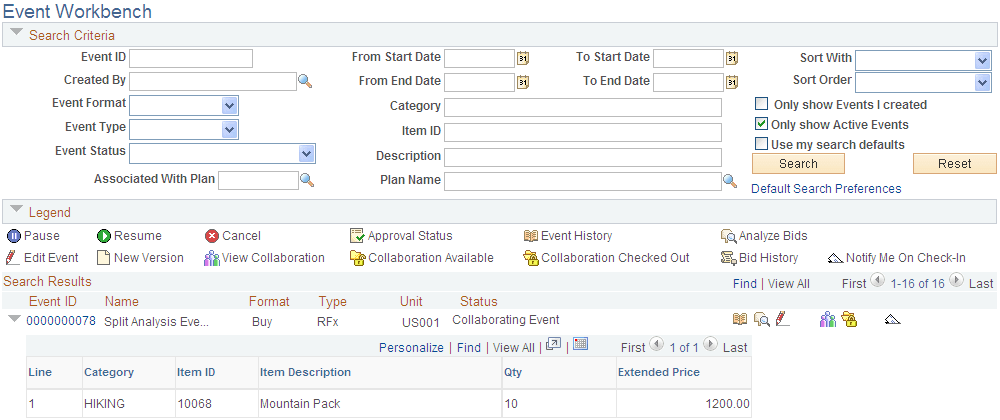
In this example, the search results show an event that has been checked out for event analysis (Collaboration Checked Out icon). The Notify Me On Check-In icon appears for the event because split analysis review has been set up, with parallel processing.
For more information about using the Event Workbench, see Managing Events.