14.4 Enabling the PeopleSoft Work Order Attachment Print Features
After you successfully install the additional component application for printing attachments, you must enable the Print Attachments option that is available for your users on the Work Order Task Detail Report Options page.
To enable the Print Attachments feature:
-
Select Set Up Financials/Supply Chain, Install, Installation Options, and then select the Maintenance Management link.
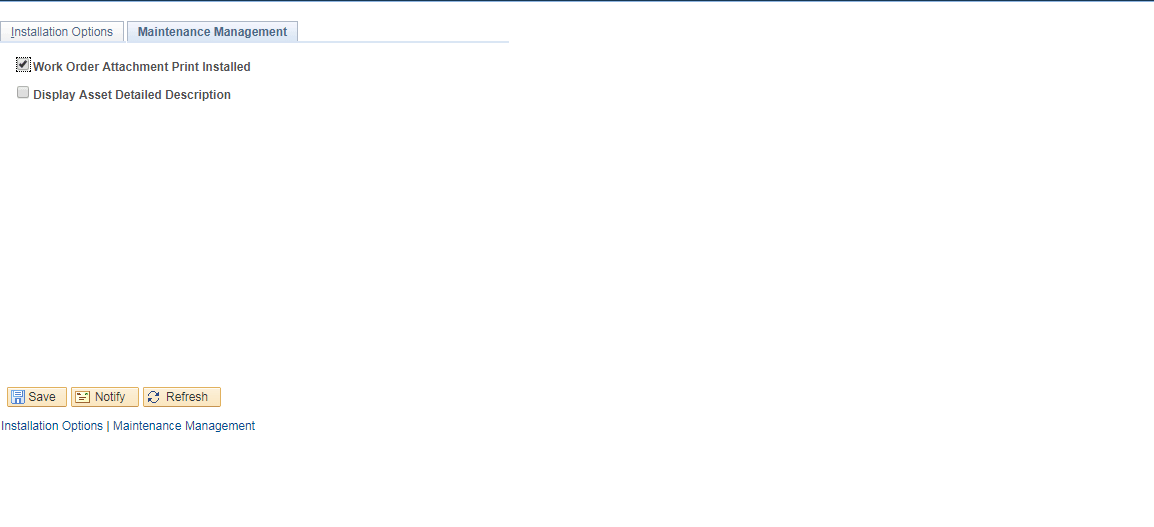
The Installation Options - Maintenance Management page appears, as shown in the following example:
Figure 14-3 Installation Options - Maintenance Management page
-
On the Maintenance Management page, select Work Order Attachment Print Installed.
See the product documentation for PeopleSoft FSCM: Maintenance Management for user set up and implementation information.