Direct Reports Configuration Page
.
The Direct Reports Configuration determines who appears in a manager's Team Calendar and who appears as a peer on an employee's calendar.
For the direct reports configuration of Team Calendar, fetch the manager's organization based on the Access Type defined in the direct reports configuration for the calendar component.
Navigation:
This example illustrates direct reports configuration based on access type.
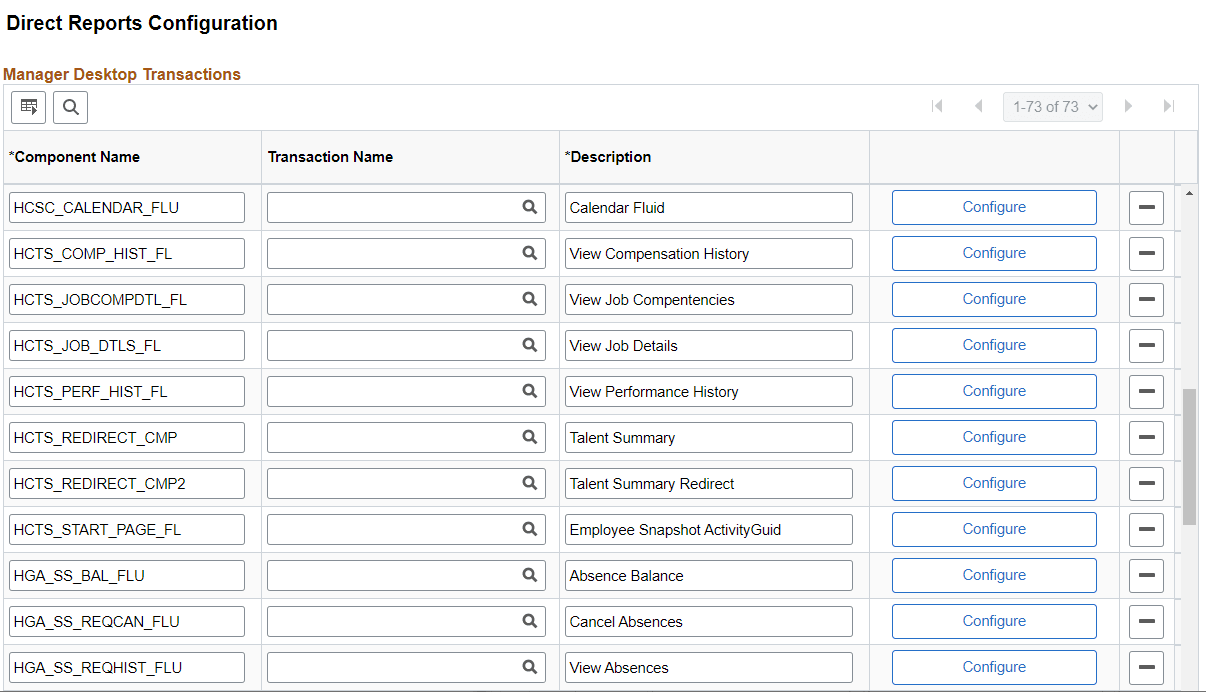
Select Configure to access Application Fundamentals: Direct Reports Transaction Configuration Page. Add the component HCSC_CALENDAR_FLU to configure fluid calendar.
Note:
The default Access Type as delivered is By Part Posn Mgmt Supervisor.
For more information, refer Application Fundamentals: Direct Reports Configuration Page.