Monthly Schedule Page
Use the Monthly Schedule page (SCH_EE_MONTHLY) to employees view their schedule for a one month period for any past or future month.
Navigation:
Click the View Monthly Schedule link on the Absence Request page.
This example illustrates the fields and controls on the Monthly Schedule page.
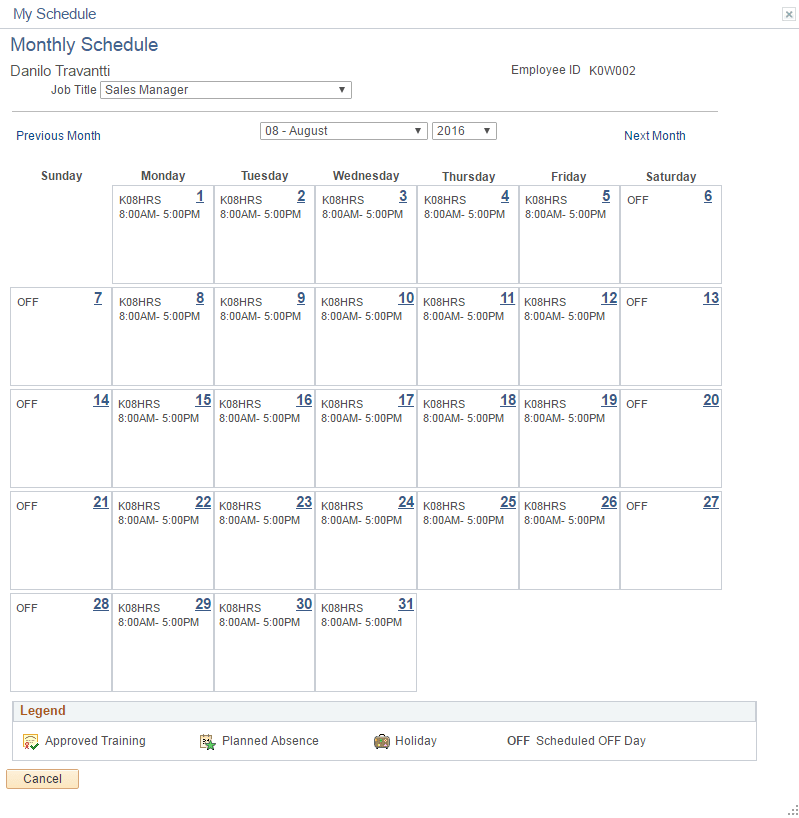
Employees can view their schedule for one month in the future or past by using the available options in the month and year fields. Click the Previous Month and Next Month buttons to view previous or subsequent months, respectively.
For employees with multiple jobs, the Select Job Title field appears on this page.
See Select Job Page.