Reviewing PAS Tax Rate
Once the PAS Inbound File Upload process is complete, use the PAS Tax Rate Review & Override page ( GPFR_PAS_RV_TAX_RT ) to review the received PAS tax rate for each employee.
Navigation:
This example illustrates the PAS Tax Rate Review & Override Page.
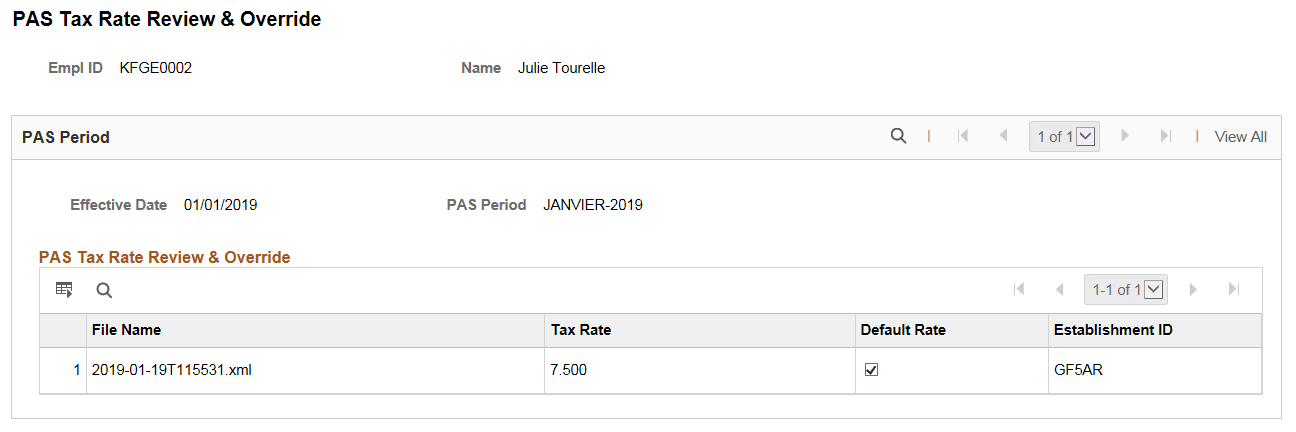
For some employees, there can be multiple tax rates available for the same period. In such scenario, the PAS Tax Rate Review & Override page lists the rates in multiple rows. If there are more than one rate received for an employee for the same period, by default, system selects the first one in the file. You can select the other rate if required.
Once you save the file, the tax rate will be stored employee wise.