Uploading PAS Inbound File
Use the PAS Inbound File Upload page (GPFR_PAS_RATE_LOAD) to upload the inbound DSN file to PeopleSoft. The inbound file should be in xml format.
Navigation:
This example illustrates the PAS Inbound File Upload Page.
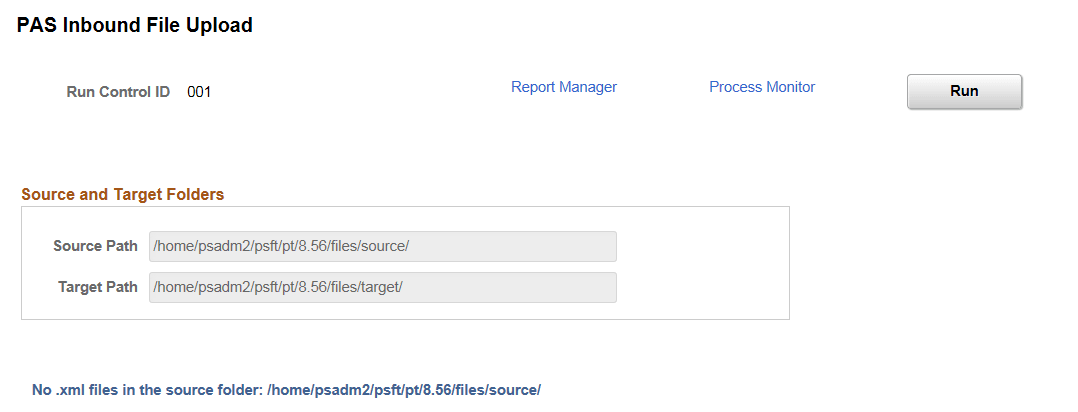
The source and target path are defined under DSN Application Parameter.
It is in the source path where the user stores the file when they receive it from authorities and target path is where the system saves the file after it reads and puts the data into the record.