Setting Up Application Level Encryption
The initial step is to enable or disable the application level encryption for all employees including their dependents.
Pages Used to Set Up Application Level Encryption
| Page Name | Definition Name | Usage |
|---|---|---|
|
INSTALLATION_TBL3 |
Enable or disable application level encryption for My Number. By default, encryption is enabled. |
Application Level Encryption Page
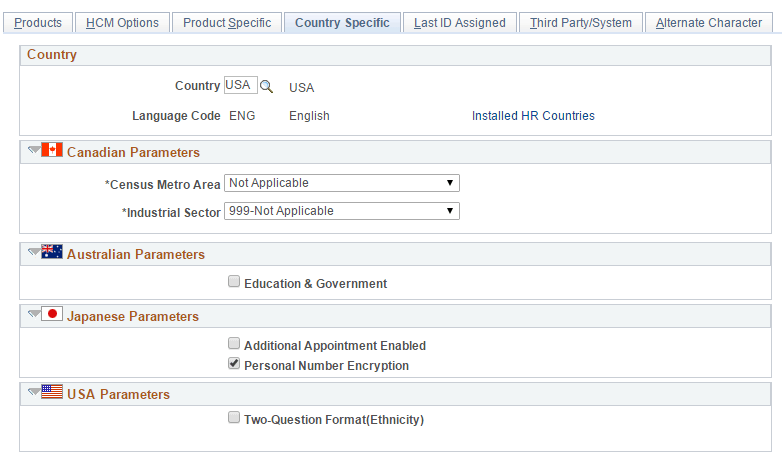
Use the Application Level Encryption (INSTALLATION_TBL3) page to enable or disable application level encryption for My Number.
Navigation:
This example illustrates the fields and controls on the Application Level Encryption page.
| Field or Control | Description |
|---|---|
|
Personal Number Encryption |
Check to enable the encryption and un-check to disable. |