Segment Details Page
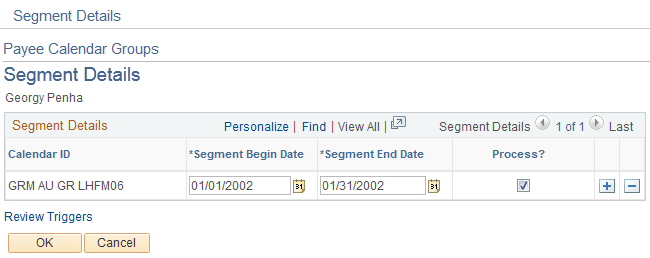
Use the Segment Details page (GP_PYE_RUN_SEC) to create period segments for a payee and identify which segments to process.
Navigation:
Click the Segment Details link on the Payee Calendar Groups page.
This example illustrates the fields and controls on the Segment Details page.
| Field or Control | Description |
|---|---|
|
Segment Begin Date and Segment End Date |
Enter the dates to process in the calendar period and the dates not to process. Provide instructions for the entire calendar period. |
Note:
To have the system calculate pay for part of a calendar period, you must create one or more period segmentation triggers for the payee. The trigger effective date must correspond to the dates that you enter on the Segment Details page. For example, to process pay for February 1 to 9, but not for the rest of the month, define a segmentation trigger for February 10.
Related Topics