ACA Form Options Page
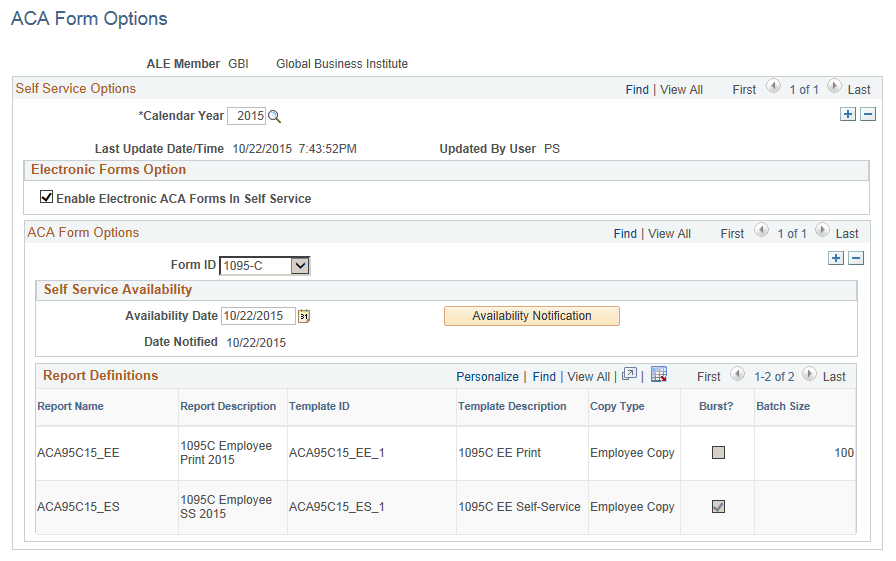
Use the ACA Form Options page (ACA_YE_XMLP_OPTION) to define the various Self Service options for ACA forms. An Administrator can use this page to enable the electronic option for Form 1095-C, and to release the forms for viewing and printing.
Navigation:
This example illustrates the fields and controls on the ACA Form Options page.
| Field or Control | Description |
|---|---|
|
Enable Electronic ACA Forms In Self Service |
Select this check box to release the ACA forms for viewing in Self Service. |
|
Availability Date |
Specify the date when the current ACA forms will be released for viewing through Self Service. |
|
Availability Notification |
Click the Availability Notification button to send notification to employees that Form 1095-C is available in Self Service. Email notification will be sent only to employees who have consented to receive Form 1095-C electronically. Note: During the reissuing of forms, when you click the Availability Notification button, email notifications are sent only to those employees who receive a Reissue form. |