Viewing Regulated Individual Data for Managers
This topic discusses how to identify unassigned regulated individuals.
Pages Used to View RI Data - Manager Views
| Page Name | Definition Name | Usage |
|---|---|---|
|
PCMP_UNASS_RI |
Identify unassigned regulated individuals. |
|
|
RI Status by Business Unit (regulated individual status by business unit) |
PCMP_RISTAT_INQ |
View the development status of all regulated individuals. |
|
Compliance Re-Certifications |
PCMP_RI_RECERTINQ2 |
View the recertification status of all regulated individuals. |
Unassigned RIs Page
Use the Unassigned RIs (unassigned regulated individuals) page (PCMP_UNASS_RI) to identify unassigned regulated individuals.
Navigation:
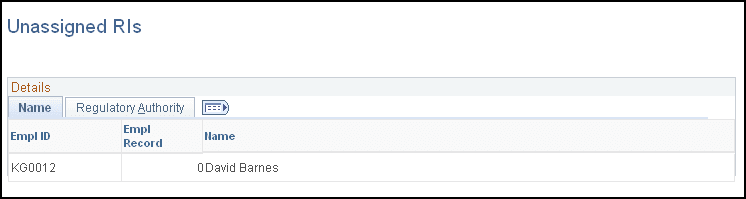
This example illustrates the fields and controls on the Unassigned RIs page: Name tab.
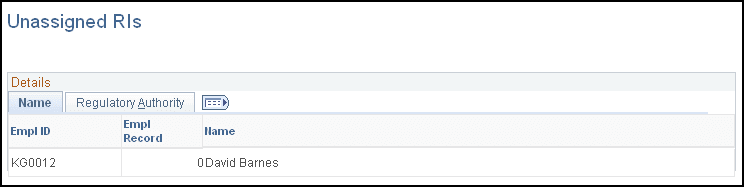
This example illustrates the fields and controls on the Unassigned RIs page: Regulatory Authority tab.
Name Tab
Displays the employee IDs, employee record numbers, and names of unassigned individuals.
Regulatory Authority Tab
Displays the employee IDs, employee record numbers, professional compliance types, and regulatory authorities of unassigned individuals.
Note:
Ideally, this inquiry should return no rows. If it does, assign the unassigned regulated individuals who are identified here to a regulatory authority and a compliance supervisor.