Personalize My Job Openings (Classic) Page
Use the Personalize My Job Openings (Classic) page (HRS_PE_OPR_JOS) to define the content and layout of the My Job Openings (Classic) pagelet.
This example illustrates the Personalize My Job Openings (Classic) page.
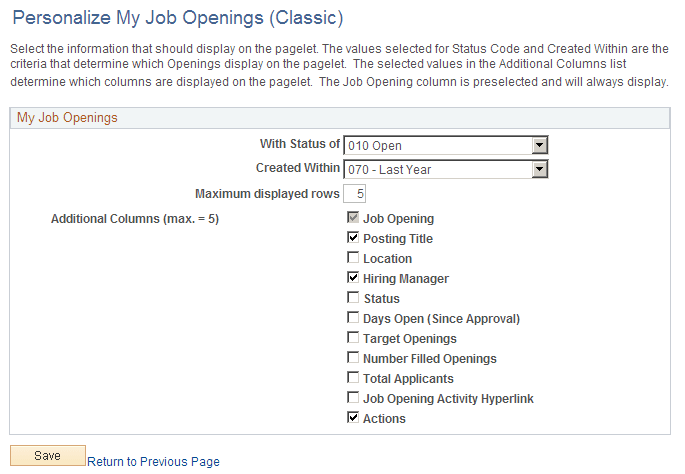
Use this page to define what information displays on the My Job Openings (Classic) pagelet.
Row Selection Criteria
| Field or Control | Description |
|---|---|
|
With Status of |
Select a status to filter the pagelet so it displays only job openings in the selected status. If you leave this field blank, the pagelet displays job openings regardless of status. |
|
Created Within |
Select a point in time from which you want to view job openings. For example, select Last Month to display your job openings for the last 30 days or Last Week to see your openings for the last seven days. If you leave this field blank, the pagelet does not display any job openings. |
|
Maximum displayed rows |
Enter the maximum number of job openings to display on the pagelet. The maximum value is 99. |
Additional Columns
The personalization page displays 11 check boxes representing columns that you can include in the job openings grid on the pagelet. Select the check boxes for the columns that you want to display.
The Job Opening check box must be selected. You can select up to four additional check boxes as well.