Personalize Time to Fill Page
Use the Personalize Time to Fill page (HRS_PE_OPR_FLCT) to choose the time period to include in the chart on the Time to Fill pagelet.
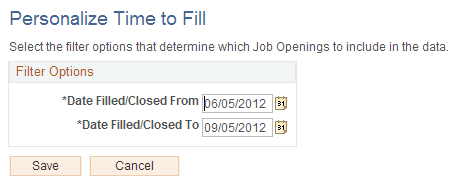
This example illustrates the Personalize Time to Fill page.
| Field or Control | Description |
|---|---|
|
Date Filled/Closed From and Date Filled/Closed To |
Specify the time period to include in the Time to Fill chart. Job openings that were closed within the specified time period are included in the data. Note that the bars on the chart still show calendar months, even if you do not include the full month in the time period. For example, if the Date Filled/Closed From field is May 15, then the first bar on the Time to Fill chart is for May, even though the data represents only job openings that were filled or closed after May 15. |