1.4 Installing PeopleSoft HCM for Education and Government
If you use PeopleSoft Human Resources for Education and Government, verify that the Education and Government setting is enabled on the Installation Table. This enables access to specific Education and Government functionality.
To enable access to specific Education and Government functionality:
-
Enter Installation Table in the keyword input field of the Global Search bar. As you type, the suggestions are updated to reflect the search term or terms you have entered.
-
Select Installation Table from the search suggestions.
Note:
To navigate to the page using the Navbar button, select Set Up HCM, Install, Installation Table.
-
On the Products page, verify that the Education and Government check box is selected.
-
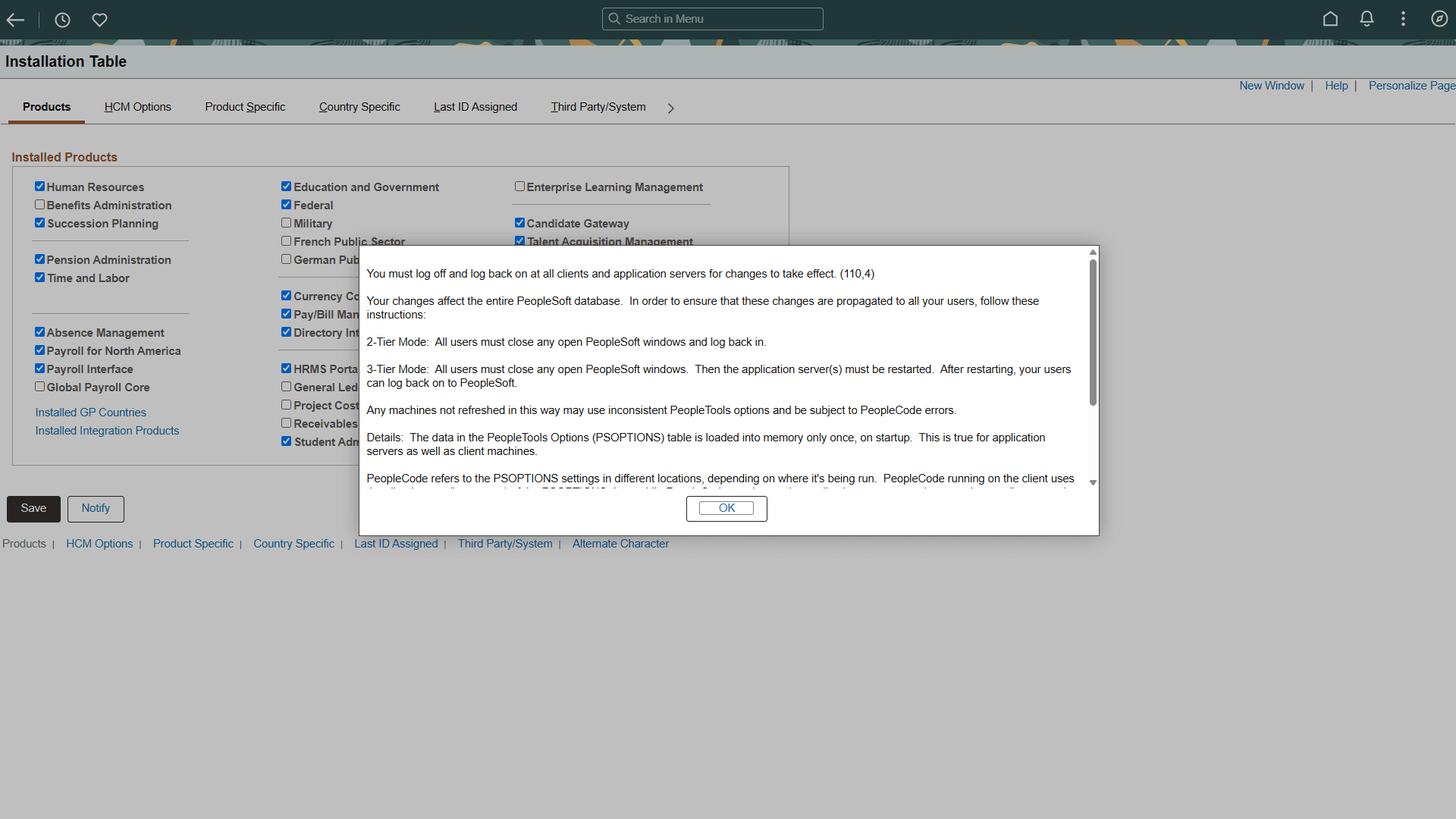
If any changes are necessary to the Installation Table, this informational message appears, “You must log off and log back on at all clients and application servers for changes to take effect”, as shown in the following example:
Figure 1-5 Informational Message
Log off all clients, shut down and restart all application servers, and then log back on to PeopleSoft HCM for your changes to take effect.