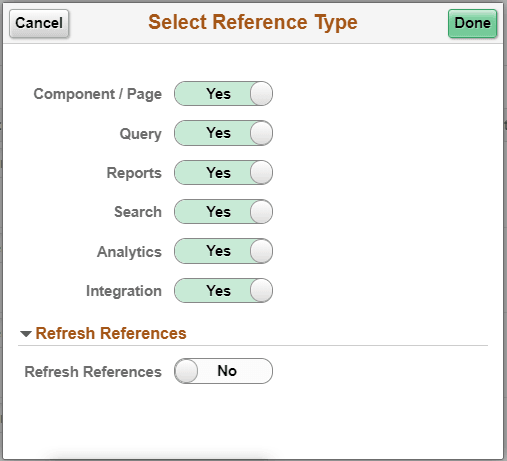
Select Reference Type Page
Use the Select Reference Type (EODP_GENPARM_SCF) page to open the Select Reference Type modal. In this modal, you can select the reference type which need an update or refresh.
The Component / Page and Query should be selected to generate Report References. Select Refresh References to delete and reload all references except for the system data.
Navigation:
Select Update References from the Actions menu of the Manage References button.
This example illustrates the Select References page.