Running the Inbound Data Error Scan Utility
This section discusses how to launch the Inbound Data Error Scan utility.
Page Used to Run the Inbound Data Error Scan Utility
| Page Name | Definition Name | Usage |
|---|---|---|
|
EO_ERR_RUNCNTL |
Start the EO_WF_ERR application engine program. |
Incoming Data Error Scan Page
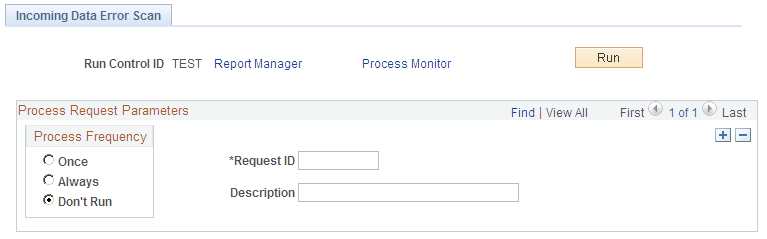
Use the Incoming Data Error Scan page (EO_ERR_RUNCNTL) to start the EO_WF_ERR application engine program.
Navigation:
This example illustrates the fields and controls on the Incoming Data Error Scan page. You can find definitions for the fields and controls later on this page.
| Field or Control | Description |
|---|---|
|
Request ID |
Enter the request ID of the integration on which to scan for errors. |
|
Run |
Click to launch the EO_WF_ERR application engine program. |