Workflow/Security Page
Use the Workflow/Security page (EO_EIP_CTL_SETUP2) to set up row security.
Navigation:
This example illustrates the fields and controls on the Workflow/Security page. You can find definitions for the fields and controls later on this page.
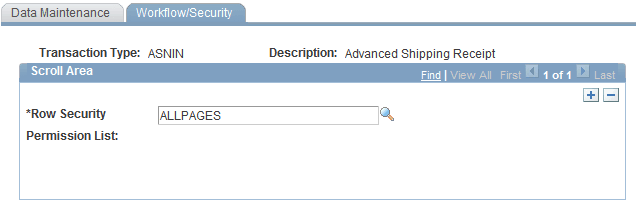
Use this page to set up row security.
| Field or Control | Description |
|---|---|
|
Row Security Permission List |
Assign a row security class to the transaction type that you are setting up. Note: The value that you select determines which user can see the given transaction type. You can enter multiple row security classes. |