Mapping a Cube Collection to Main and Aggregate Records
To map a cube collection to Main and Aggregate records:
-
Select to access PeopleSoft Application Designer.
-
After signing in to the PeopleSoft Application Designer, open an analytic model definition.
-
Select the cube collection that contains the main and aggregate records that you want to map, and then select the General tab.
This is an example of the Cube Collections - General tab.
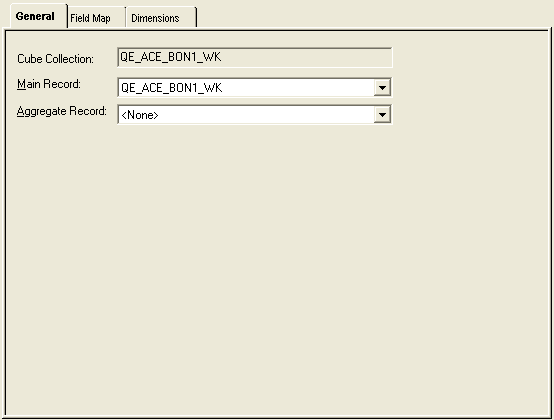
| Field or Control | Description |
|---|---|
|
Cube Collection |
Displays the name of the cube collection. |
|
Description |
Enter a more detailed description of the cube collection. |
|
Main Record |
Select a main record to map to the cube collection. For a cube collection that is used for user input and data retrieval, select one of the records that you selected in the analytic type definition to use in the analytic model. For a cube collection that is used to calculate data and display the calculated data to the end user at runtime, select a derived/work record. |
|
Aggregate Record |
Select a record to store the cube collection's aggregate data. Records that are used as aggregate records should be read after records that are used as main records. |