Purging Delete Tables
Delete tables contain rows that have been deleted from analytic instance working data. These tables accumulate data when you use triggers for database level auditing, and they're not always cleaned up after the deletes have been completed.
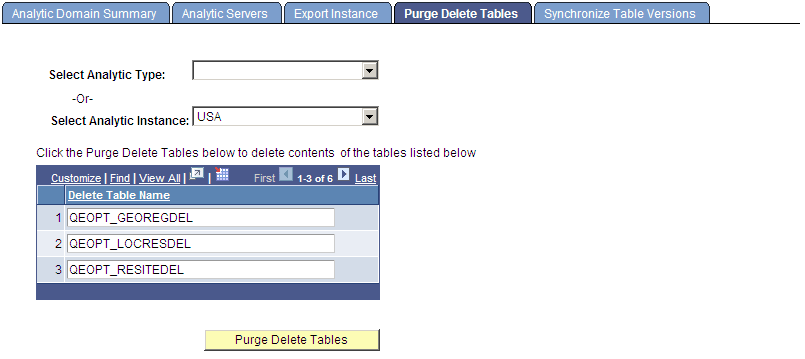
Use the Analytic Server Administration - Purge Delete Tables page (PTATADMIN_PURGE) to accomplish the cleanup manually.
Navigation:
Note:
Shut down all running analytic server processes before using this page.
This example illustrates the fields and controls on the Analytic Server Administration - Purge Delete Tables page. Definitions for the fields and controls appear following the example.
| Field or Control | Description |
|---|---|
|
Select Analytic Type -Or- Select Analytic Instance |
These drop-down lists are mutually exclusive. Select either an analytic type or an analytic instance for which you want to purge delete tables. |
|
Delete Table Name |
Displays the names of the delete tables relevant to the analytic type or analytic instance that you selected. |
|
Purge Delete Tables |
Click to clear the data from the displayed delete tables. |