Selecting Aggregate Functions for Attached Dimensions
To select an aggregate function for attached dimensions:
-
Select to access PeopleSoft Application Designer.
-
After signing in to the PeopleSoft Application Designer, open an analytic model definition.
-
Select the data cube for which you want to select an aggregate function, and then select the Dimensions tab.
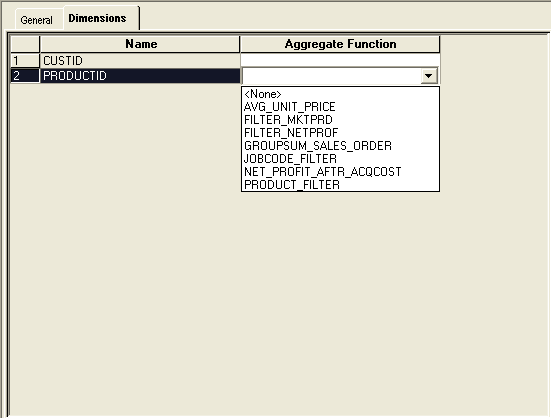
This is an example of the Dimensions tab in PeopleSoft Application Designer–Analytic Model.
| Field or Control | Description |
|---|---|
|
Name |
Displays the names of the dimensions that are attached to the data cube. |
|
Aggregate Function |
Select a cube dimension override user function to calculate the aggregates for the dimension as it is attached to the data cube. |